Orkely Journal

Practical guides for running a one-person business.

Practical articles about client work, invoicing, admin, software decisions and owning your own data as a solo operator.

Orkely: Client Onboarding Checklist for Freelancers
Client Management 3 min read

Client Onboarding Checklist for Freelancers

A useful client onboarding checklist collects the information you need to begin work, get decisions and send an accurate invoice. It should also uncover anything that could stop the project before you promise a delivery…
Latest articles

Read the full archive

Orkely: How to Write a Project Brief for Freelance Work
Project Management

How to Write a Project Brief for Freelance Work

A project brief explains the result a client needs, what you will deliver and how decisions will be made. For a freelancer, it is the working reference that connects an initial conversation to a manageable set of tasks.…

Read more
Orkely: Estimated vs Actual Hours for Freelance Projects
Tasks and Time

Estimated vs Actual Hours for Freelance Projects

Comparing estimated vs actual hours shows where a project used more or less time than expected. The useful part is the explanation behind the difference: extra revisions, incomplete inputs, an unfamiliar task or an…

Read more
Orkely: How to Manage Client Revisions Without Losing the Scope
Client Management

How to Manage Client Revisions Without Losing the Scope

Managing client revisions starts before the first preview. Explain what a review round includes, who sends the feedback and which changes would alter the original agreement. Then record requests in a way you can act on…

Read more
Orkely: A Pre Invoice Checklist for Freelancers
Invoicing

A Pre Invoice Checklist for Freelancers

A pre invoice checklist helps you catch avoidable errors before a bill reaches the client. Check what you are charging, who should receive it and whether the payment instructions are complete. Reviewing the exported…

Read more
Orkely: How to Keep Invoice Payment Records Organised
Invoicing

How to Keep Invoice Payment Records Organised

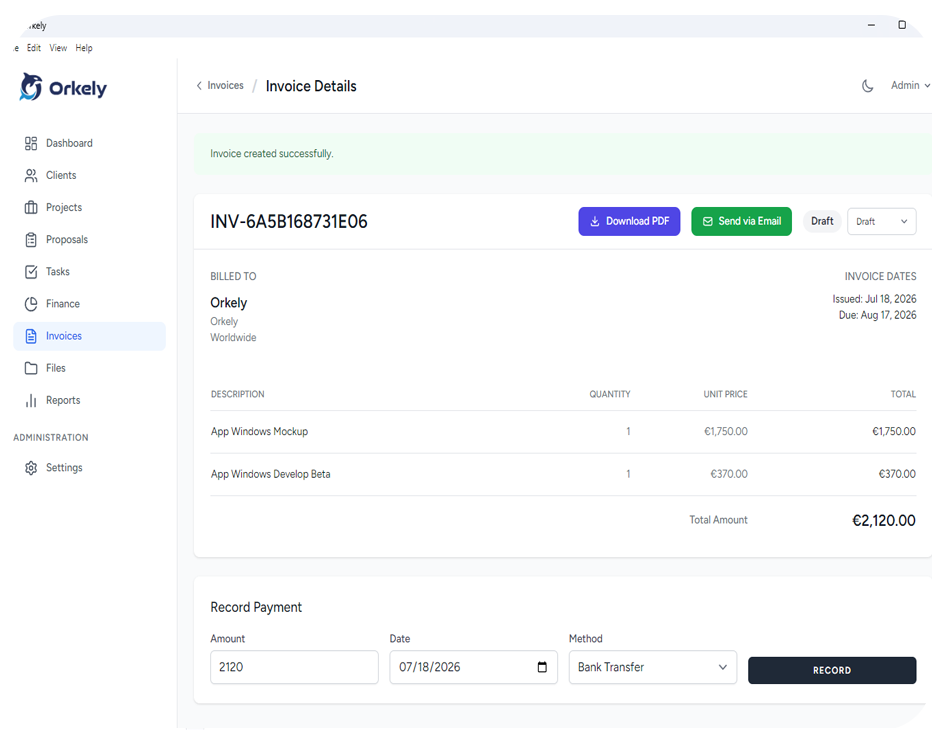
An invoice payment record should connect a specific bill to the money received for it. Keep the invoice reference, received date, amount, currency, payment method and any supporting reference together so you can explain…

Read more
Orkely: How to Write Clear Payment Instructions on an Invoice
Invoicing

How to Write Clear Payment Instructions on an Invoice

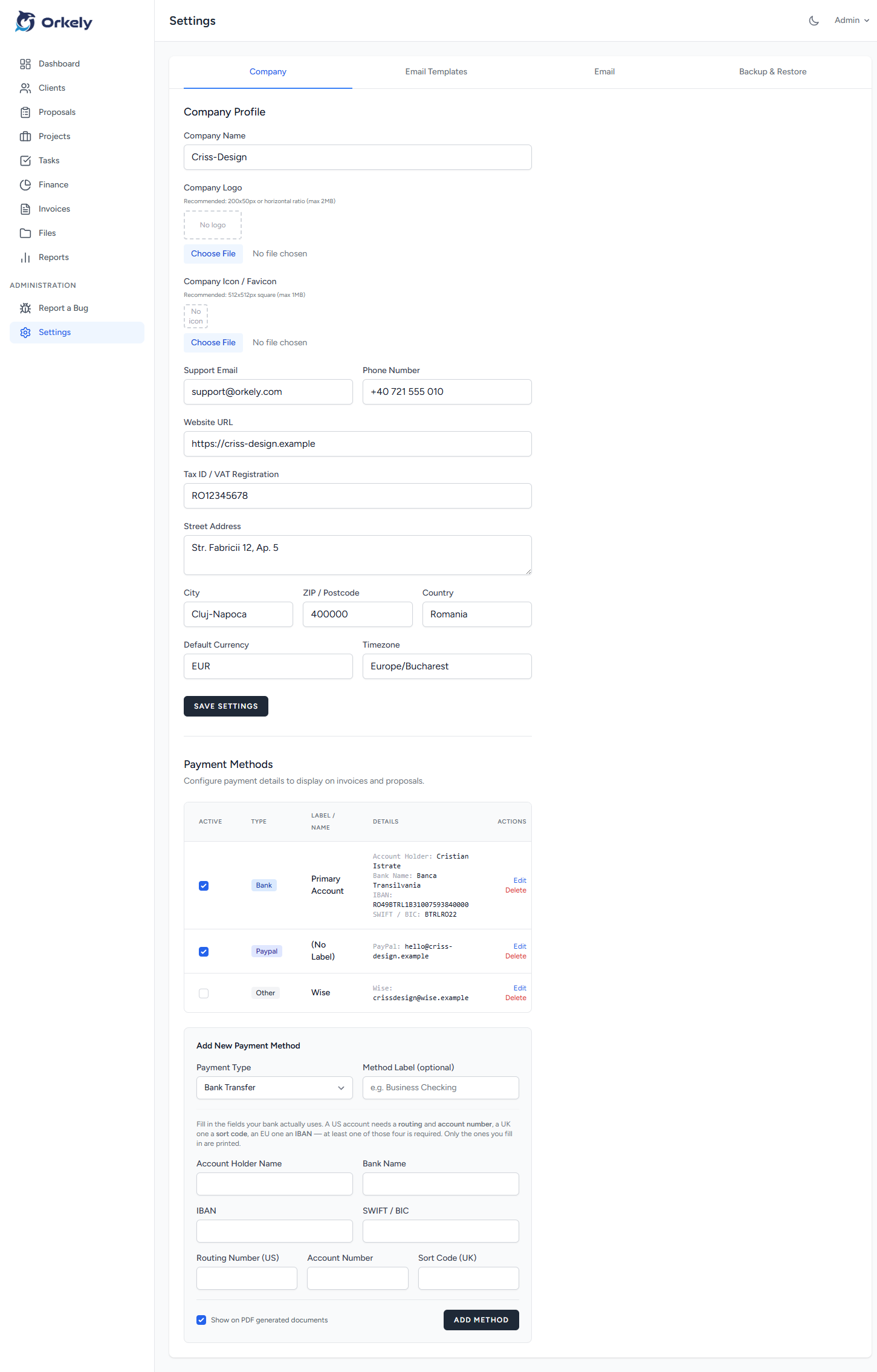
Clear invoice payment instructions tell the client which method to use, which details belong to that method and what reference to include. Place them where the payer can find them without searching your email history.…

Read more
Orkely: A Practical Invoice Follow Up Workflow for Freelancers
Invoicing

A Practical Invoice Follow Up Workflow for Freelancers

An invoice follow up workflow starts by confirming that the correct person received a correct invoice. Then it records each communication and the next action, so outstanding bills do not depend on your memory. Keep the…

Read more
Orkely: A Weekly Business Admin Checklist for Solo Freelancers
Productivity

A Weekly Business Admin Checklist for Solo Freelancers

A weekly business admin checklist gives you a regular point to reconcile what happened with what your records say. Review commitments, unfinished work, billing and the next actions that could otherwise disappear between…

Read more
Orkely: A Client Handover Checklist for Finished Projects
Project Management

A Client Handover Checklist for Finished Projects

A client handover checklist confirms what you delivered, where the files are and what happens after the project ends. It turns “finished” into a documented result that the client can use without another round of…

Read more
Orkely: A Project File Naming Convention Freelancers Can Maintain
Files and Organisation

A Project File Naming Convention Freelancers Can Maintain

A practical project file naming convention identifies the job, the item and the version without requiring you to open the file. Keep it short, apply it consistently and separate review copies from approved delivery…

Read more
Orkely: A Local Business Data Backup Routine You Can Test
Local Data

A Local Business Data Backup Routine You Can Test

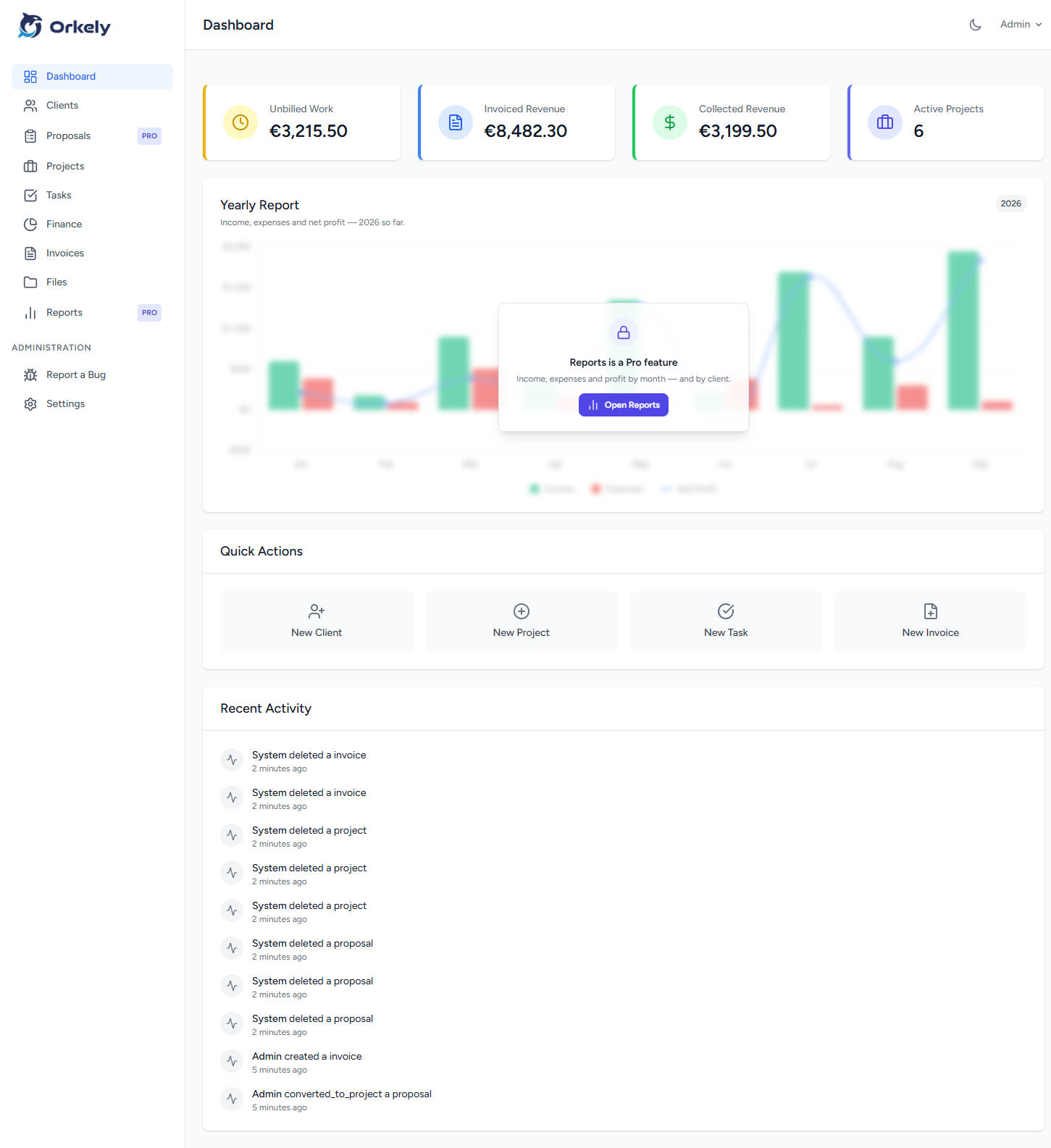
A local business data backup routine should answer three questions: what would you lose, where is the copy, and how would you restore it? Here is a routine built around Orkely’s backup and restore tools.

Read more
Software Decisions

Offline vs Cloud Business Software for a Solo Business

The choice between offline and cloud business software depends on how you work, where you need access and whether several people must use the same records. Neither model solves every business problem. For a solo…

Read more
Orkely: How to Choose a CRM for One Person
Software Decisions

How to Choose a CRM for One Person

A CRM for one person should help you understand a client relationship quickly: who the client is, what you have agreed, what work is active and what needs to happen next. Start there before comparing sales dashboards or…

Read more
Orkely: A Graphic Design Project Workflow from Brief to Delivery
Creative Workflows

A Graphic Design Project Workflow from Brief to Delivery

A graphic design project workflow should make the next decision visible. Record the brief, prepare the inputs, develop the agreed concepts, collect feedback and check the final exports before handover. This is a focused…

Read more
Orkely: How to Organise Video Editing Projects for Clients
Creative Workflows

How to Organise Video Editing Projects for Clients

To organise video editing projects, separate the creative production files from the business record. Your editing application holds the timeline; the project record holds the agreement, deliverables, feedback decisions…

Read more
Orkely: How to Track Virtual Assistant Client Work by Month
Service Workflows

How to Track Virtual Assistant Client Work by Month

Track virtual assistant client work with a clear record of each request, its status and the effort involved. For an ongoing arrangement, a monthly project can provide a practical boundary for reviewing delivery and…

Read more
Orkely: How to Organise a Small Consulting Engagement
Service Workflows

How to Organise a Small Consulting Engagement

A consulting engagement workflow should connect the client's question to the evidence you review and the output you deliver. Define the decision the client needs to make, then organise the work that supports it. This…

Read more
Orkely: How to Review Project Costs Beyond the Client Fee
Project Reviews

How to Review Project Costs Beyond the Client Fee

Review freelance project costs by looking at the agreed fee, direct expenses and time spent together. The invoice amount alone cannot tell you whether a similar job is worth accepting on the same terms again. Use the…

Read more
Orkely: Orkely Free vs the Pro Add-On: What You Get and When It Is Worth It
Business

Orkely Free vs the Pro Add-On: What You Get and When It Is Worth It

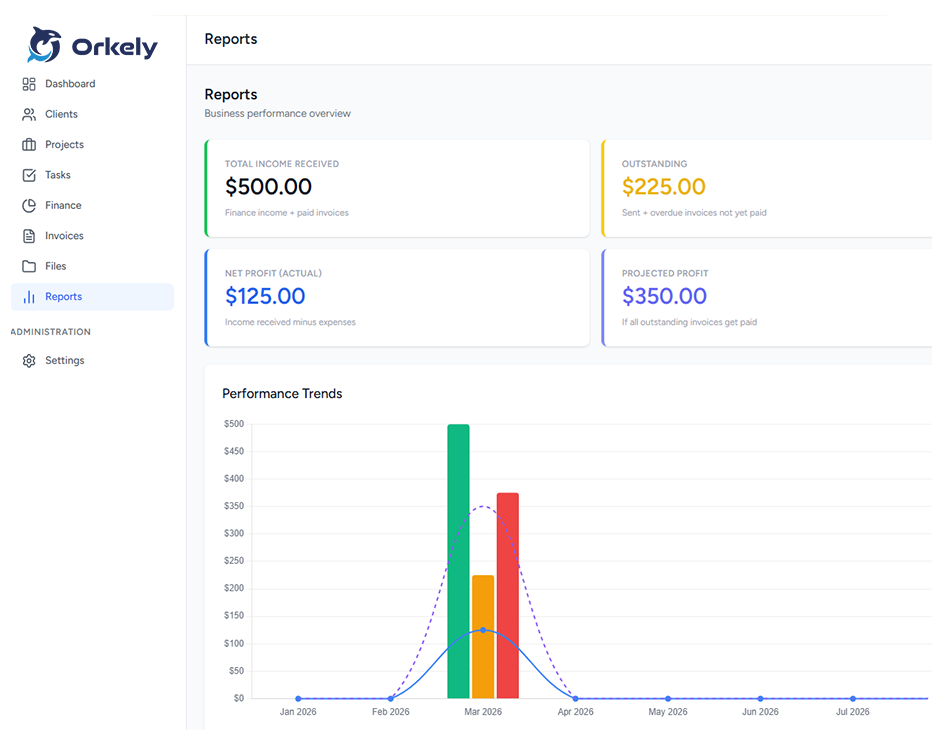
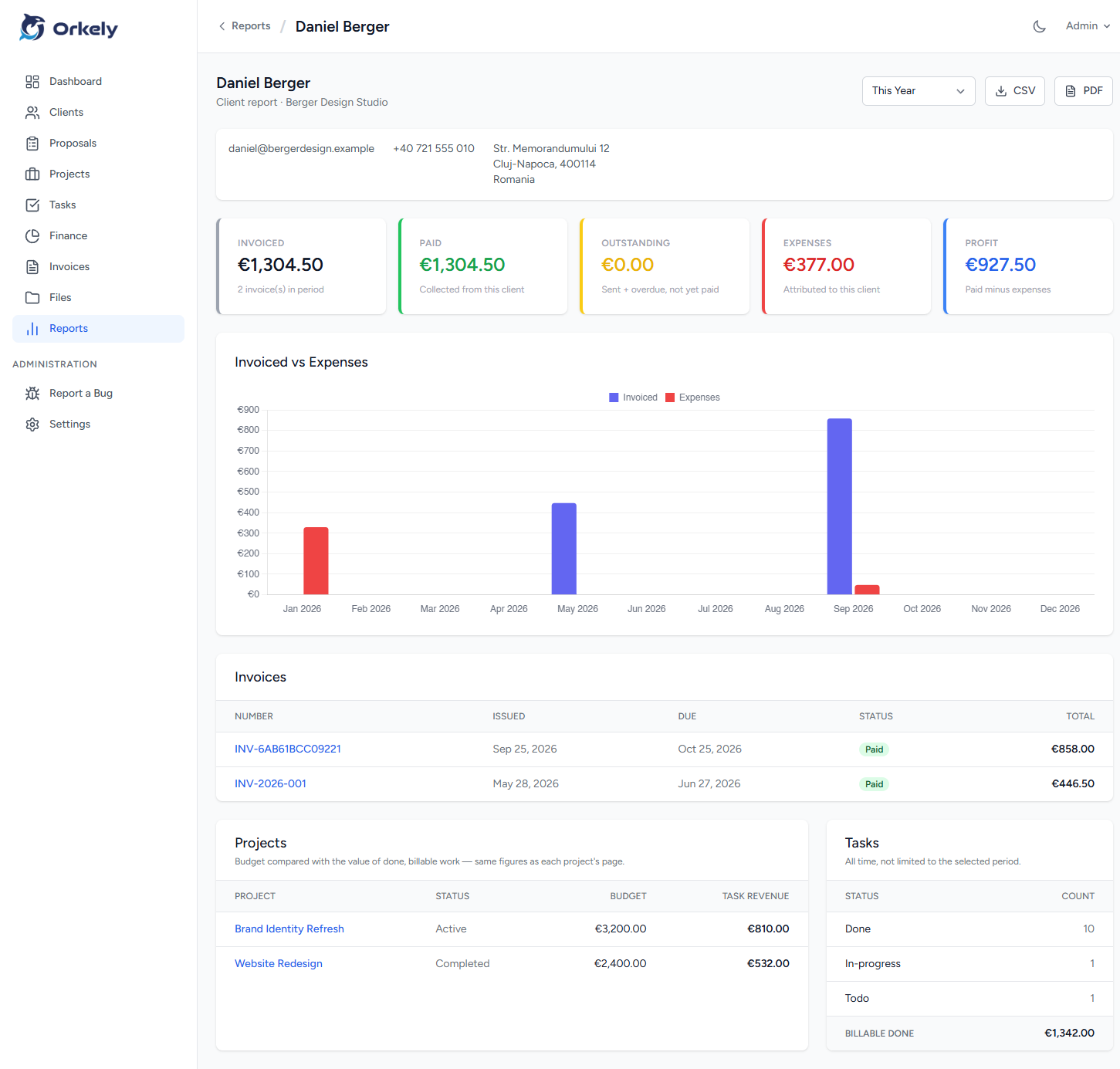
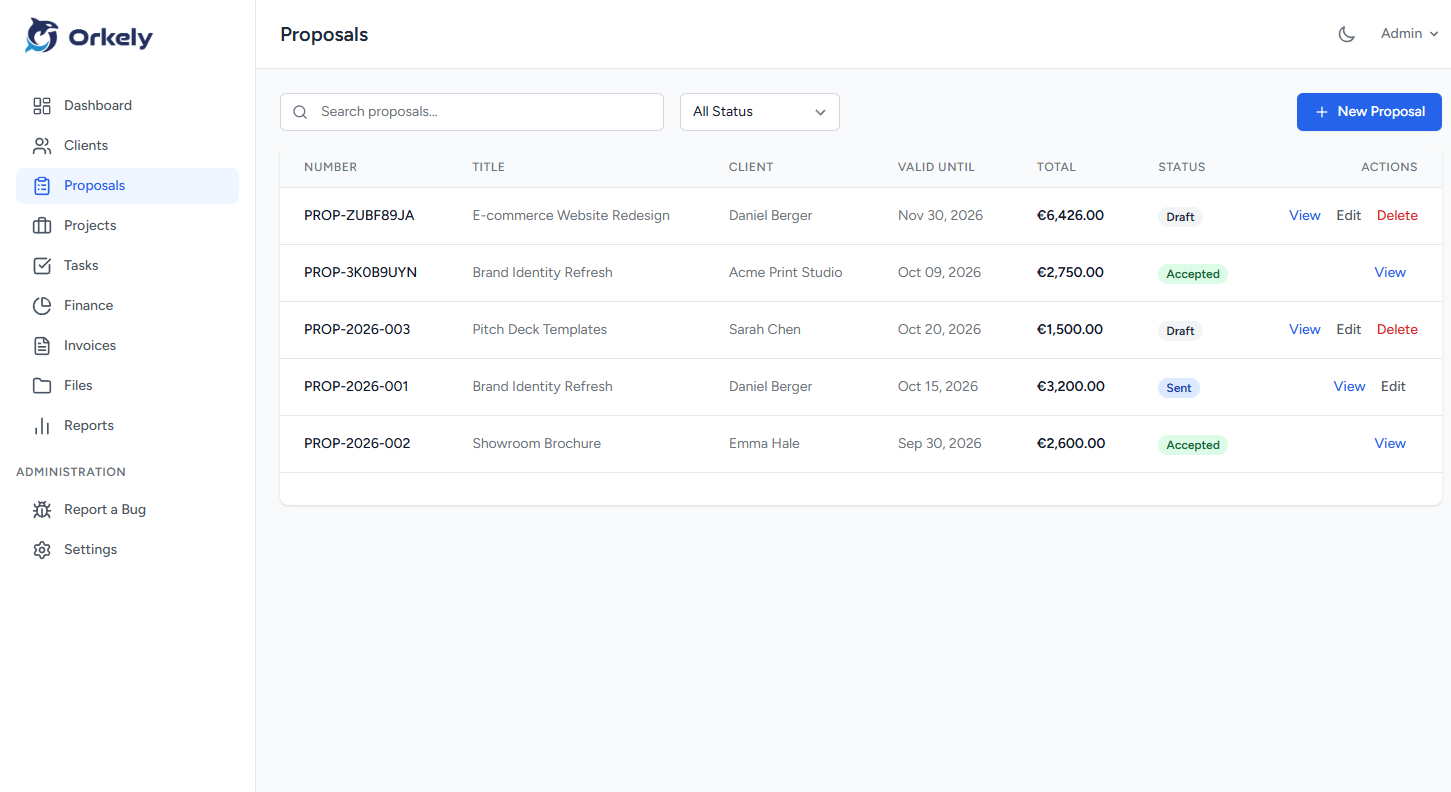
Orkely Free is a complete local business app; the Pro add-on adds proposals and reports for a one-time $24.99. Here is what stays free, what unlocks, and how to decide whether it is worth it.

Read more
Orkely: Orkely Pro Is Now an Add-On: How to Unlock Reports & Proposals
Guide

Orkely Pro Is Now an Add-On: How to Unlock Reports & Proposals

Orkely Pro is no longer a separate app. Pro is a one-time Microsoft Store add-on inside Orkely Free — here is what it unlocks, how to buy it, and how to restore it with Check again.

Read more
Orkely: How to Invoice from Completed Tasks in Orkely
Guide

How to Invoice from Completed Tasks in Orkely

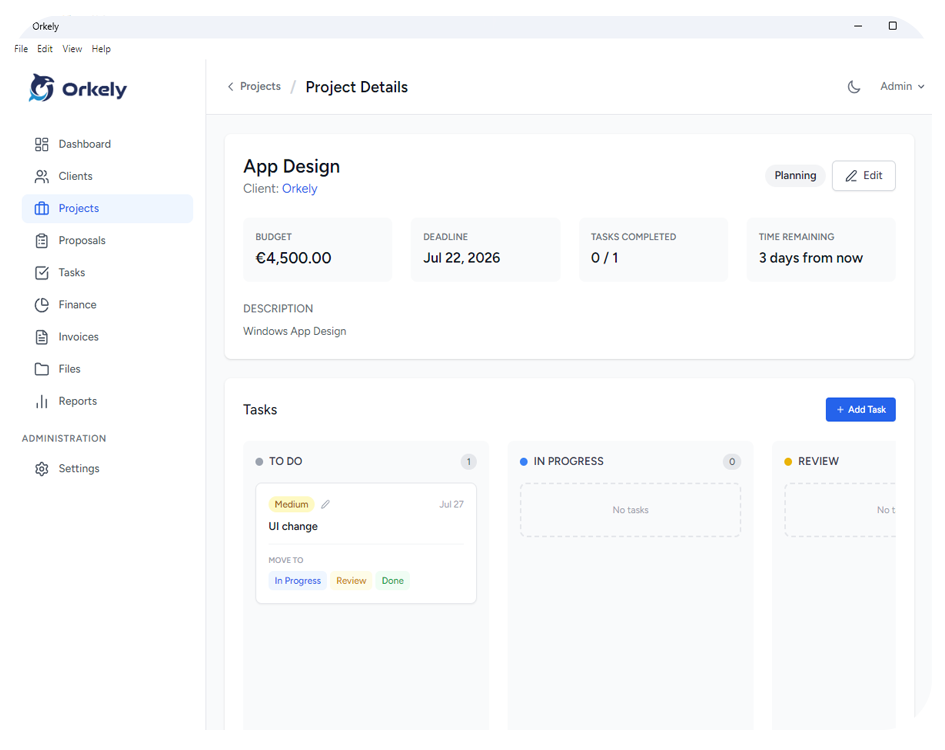
The invoice should describe the work you actually did. Here is how to finish tasks, log the hours, select what to bill, and turn it into a branded PDF in Orkely.

Read more
Orkely: How to Back Up Orkely and Move It to a New PC
Guide

How to Back Up Orkely and Move It to a New PC

Orkely stores everything locally, so a backup is the difference between a bad afternoon and a lost business record. Here is how to back up, restore, and move to a new PC.

Read more
Orkely: Why Invoice Emails Fail in Orkely and How to Fix SMTP
Guide

Why Invoice Emails Fail in Orkely and How to Fix SMTP

A failed invoice email is usually one of four things: a firewall, the wrong port, a normal password where an App Password is required, or missing SMTP settings. Here is the order to check them.

Read more
Orkely: Orkely 1.0.3: Task attachments, flexible payment methods, and dashboard trends
Product Update

Orkely 1.0.3: Task attachments, flexible payment methods, and dashboard trends

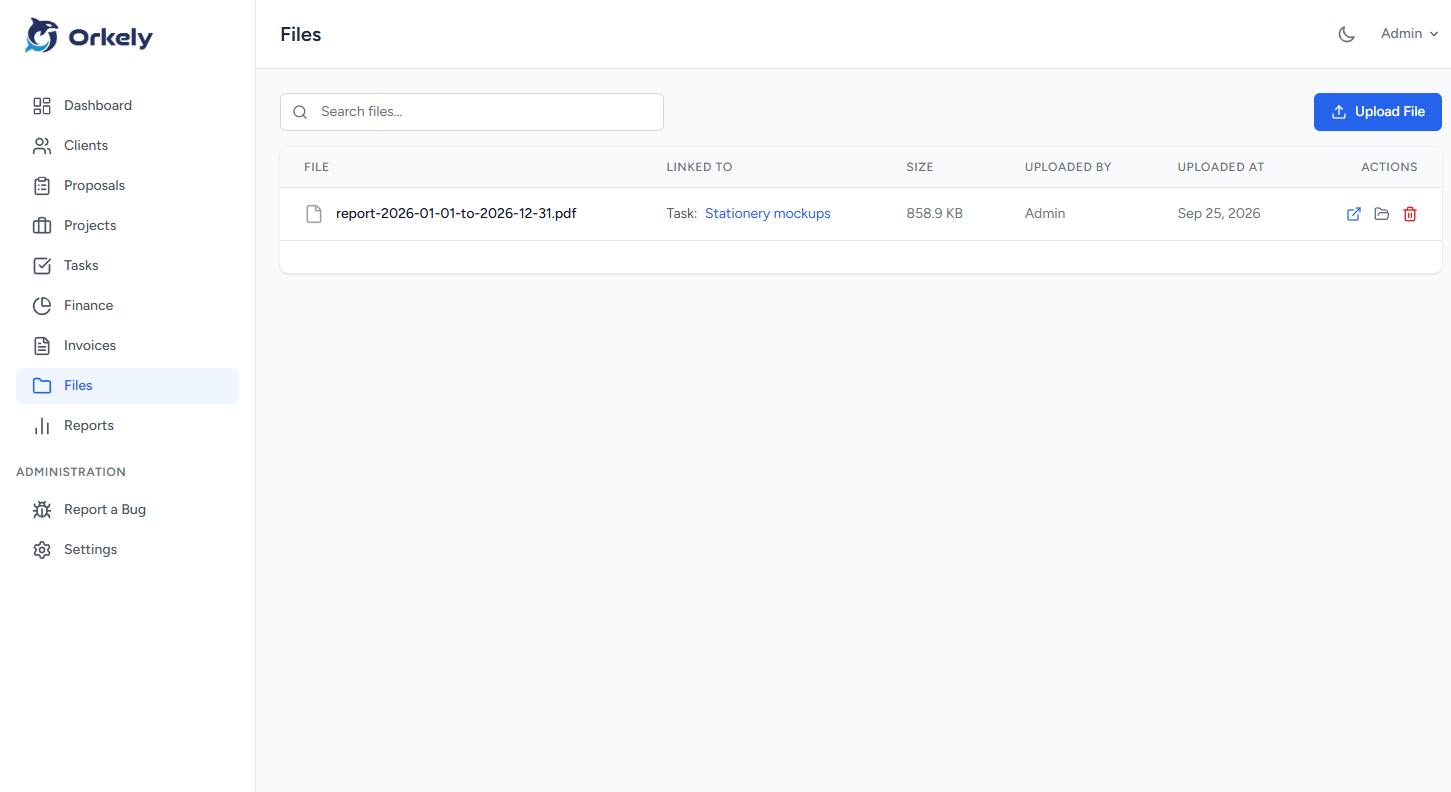
Orkely 1.0.3 is live for both editions: attach files to individual tasks, configure payment methods that fit any country, see a yearly income and expense trend on the dashboard and in report PDFs, and email proposals with their PDF attached again.

Read more
Orkely: Orkely 1.0.2: Invoice fixes, icon rendering, and project revenue tracking
Product Update

Orkely 1.0.2: Invoice fixes, icon rendering, and project revenue tracking

Orkely 1.0.2 is live for Orkely Free and Orkely Pro: invoices created from project tasks no longer fail silently, icons render reliably, invoice PDFs show the full client details, and project pages add a Task Revenue card.

Read more
Orkely: How to Run a Plumbing Business with Orkely: Clients, Hours, Parts, and Invoices
Use Cases

How to Run a Plumbing Business with Orkely: Clients, Hours, Parts, and Invoices

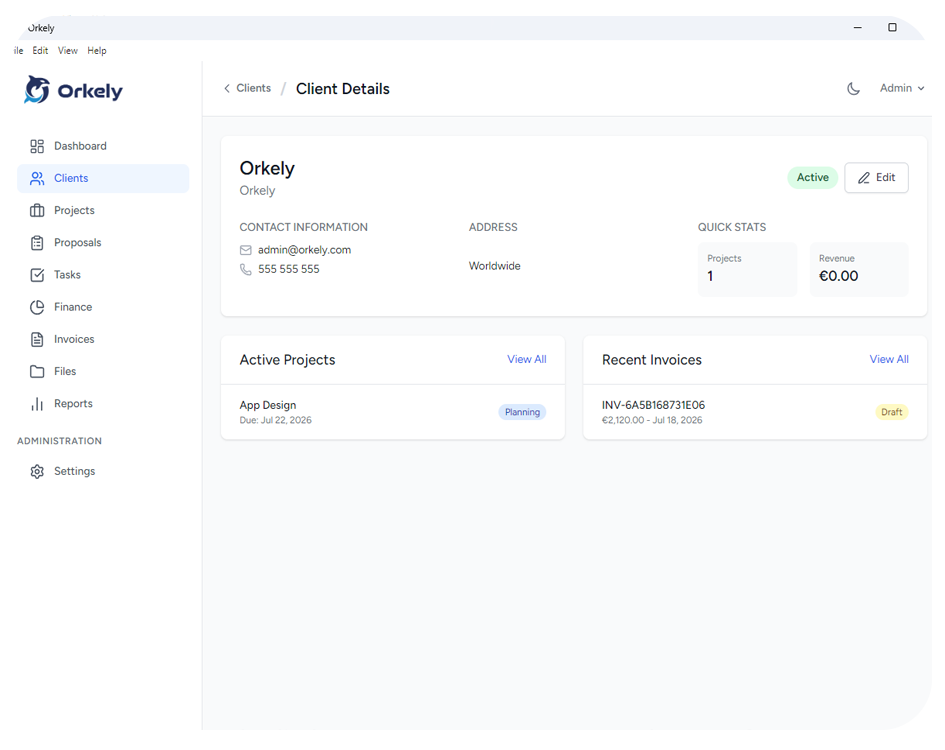
A practical walkthrough for plumbers: one client per customer, one project per job, hours and parts recorded as you go, and an invoice generated from the finished work.

Read more
Orkely: How to Run an Electrical Business with Orkely: Quotes, Job Hours, and Invoices
Use Cases

How to Run an Electrical Business with Orkely: Quotes, Job Hours, and Invoices

Electrical work is priced before it is done. Here is how to keep the quote, the job hours, and the materials together so the invoice reflects the work that actually happened.

Read more
Orkely: How to Run a Handyman or Carpentry Business with Orkely: Materials, Labour, and Invoices
Use Cases

How to Run a Handyman or Carpentry Business with Orkely: Materials, Labour, and Invoices

Small jobs hide the most work. This walkthrough covers quoting the real scope, logging labour per task, putting materials on the job, and invoicing from the finished tasks.

Read more
Orkely: How to Run a Cleaning Business with Orkely: Recurring Clients and Monthly Invoices
Use Cases

How to Run a Cleaning Business with Orkely: Recurring Clients and Monthly Invoices

Cleaning work is the same clients on a rhythm, which makes it easy to leave unrecorded. Here is how to keep the visits, the products, the hours, and the monthly invoice together.

Read more
Orkely: How to Run a Landscaping or Gardening Business with Orkely: Jobs, Costs, and Invoices
Use Cases

How to Run a Landscaping or Gardening Business with Orkely: Jobs, Costs, and Invoices

Seasonal work arrives in waves, and the costs arrive with it. This walkthrough keeps the hours, materials, and invoices for each garden together through the busy months.

Read more
Orkely: How to Run a Photography Business with Orkely: Packages, Shoot Days, and Edits
Use Cases

How to Run a Photography Business with Orkely: Packages, Shoot Days, and Edits

Photography is two businesses in one: the shoot, and the admin around it. This walkthrough covers packages, shoot and edit hours, travel costs, and invoicing.

Read more
Orkely: How to Run a Freelance Web Business with Orkely: Scope, Subtasks, and Retainers
Use Cases

How to Run a Freelance Web Business with Orkely: Scope, Subtasks, and Retainers

Client web work is invisible, recursive, and rarely finished. Here is how to keep the accepted scope, the subtasks, the retainer hours, and the pass-through costs in one place.

Read more
Orkely: How to Run a Personal Training or Coaching Business with Orkely: Blocks, Hours, and Invoices
Use Cases

How to Run a Personal Training or Coaching Business with Orkely: Blocks, Hours, and Invoices

Sessions are sold in blocks and delivered over months. This walkthrough keeps the block, the delivered hours, the unbilled preparation, and the invoice in one place.

Read more
Orkely: Orkely 1.0.1: Edit and delete finance entries, smoother Pro upgrades
Product Update

Orkely 1.0.1: Edit and delete finance entries, smoother Pro upgrades

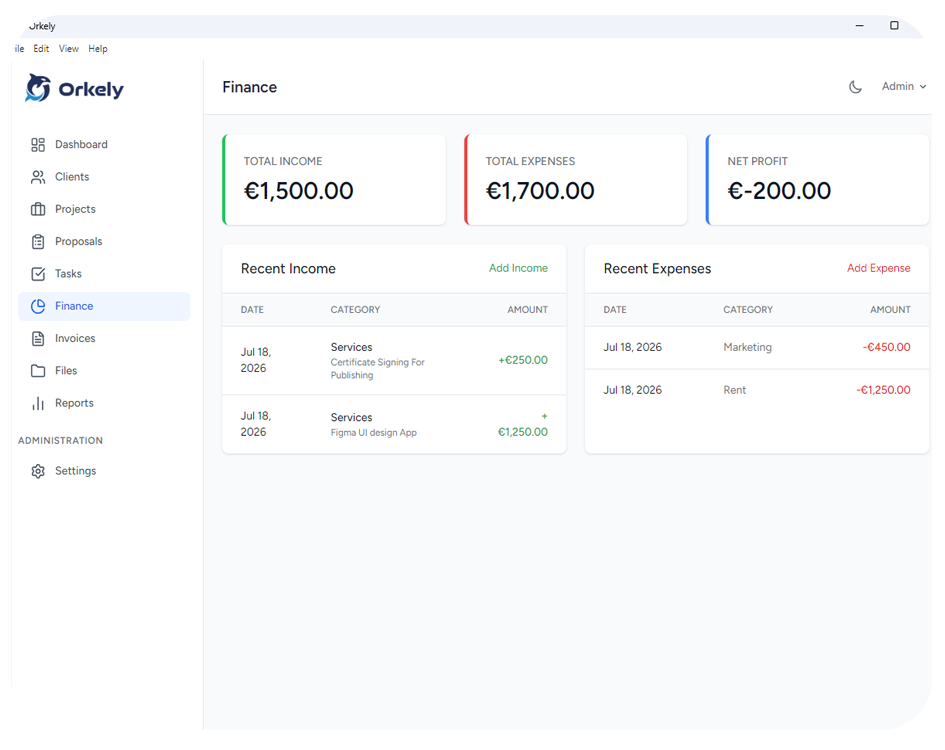
A small, focused update to Orkely Free and Orkely Pro: finance entries can now be edited and deleted, and the Store deep-link into Pro is smoother.

Read more
Productivity

Why All-in-One Platforms Beat Scattered Tool Stacks

Tool sprawl, growing costs, and operational fatigue are pushing solo operators and freelancers toward unified applications that keep everything in one place.

Read more
Guide

Getting Started with Orkely: A Quick Onboarding Guide

From local installation to your first invoice — a practical walkthrough of everything you need to do after downloading Orkely.

Read more
Productivity

5 Signs Your Business Has Outgrown Spreadsheets

Spreadsheets are fine at the beginning, but they become expensive when you start losing time, context, and visibility across clients and projects.

Read more
Business

The Real Cost of Scattered SaaS Tools for Solo Operators

Most independent professionals do not overpay because of one tool. They overpay because five "cheap" tools become a permanent stack with no end date.

Read more

Ready to try it yourself?

Orkely Free is available now on the Microsoft Store, no credit card, no account required.

Download Orkely Free

The Pro add-on (Reports & Proposals, $24.99 once) is unlocked from inside the app.