Simple pricing. No subscriptions, ever.
Most business tools charge you every month, forever. Orkely doesn't. Pay once for Pro, or use Orkely Free for as long as you like — and even in Free you can open the Pro screens and look at them before deciding. Either way, your data stays local and you never get locked out of it.
Orkely Free vs Orkely Pro
| Feature | Orkely Free | Orkely Pro |
|---|---|---|
| Price | Free | $24.99 one-time |
| Client management | Yes | Yes |
| Projects & task boards | Yes | Yes |
| Task time logs & file attachments | Yes | Yes |
| File management & backups | Yes | Yes |
| Invoicing & PDF export | Yes | Yes |
| Payment methods for any country | Yes | Yes |
| Finance tracking & trend charts | Yes | Yes |
| Proposals (rich-text editor) | No | Yes |
| Reports | No | Yes |
| Proposals & Reports visible in Free | Preview | Yes |
| Future updates | Yes | Yes |
You can look before you pay
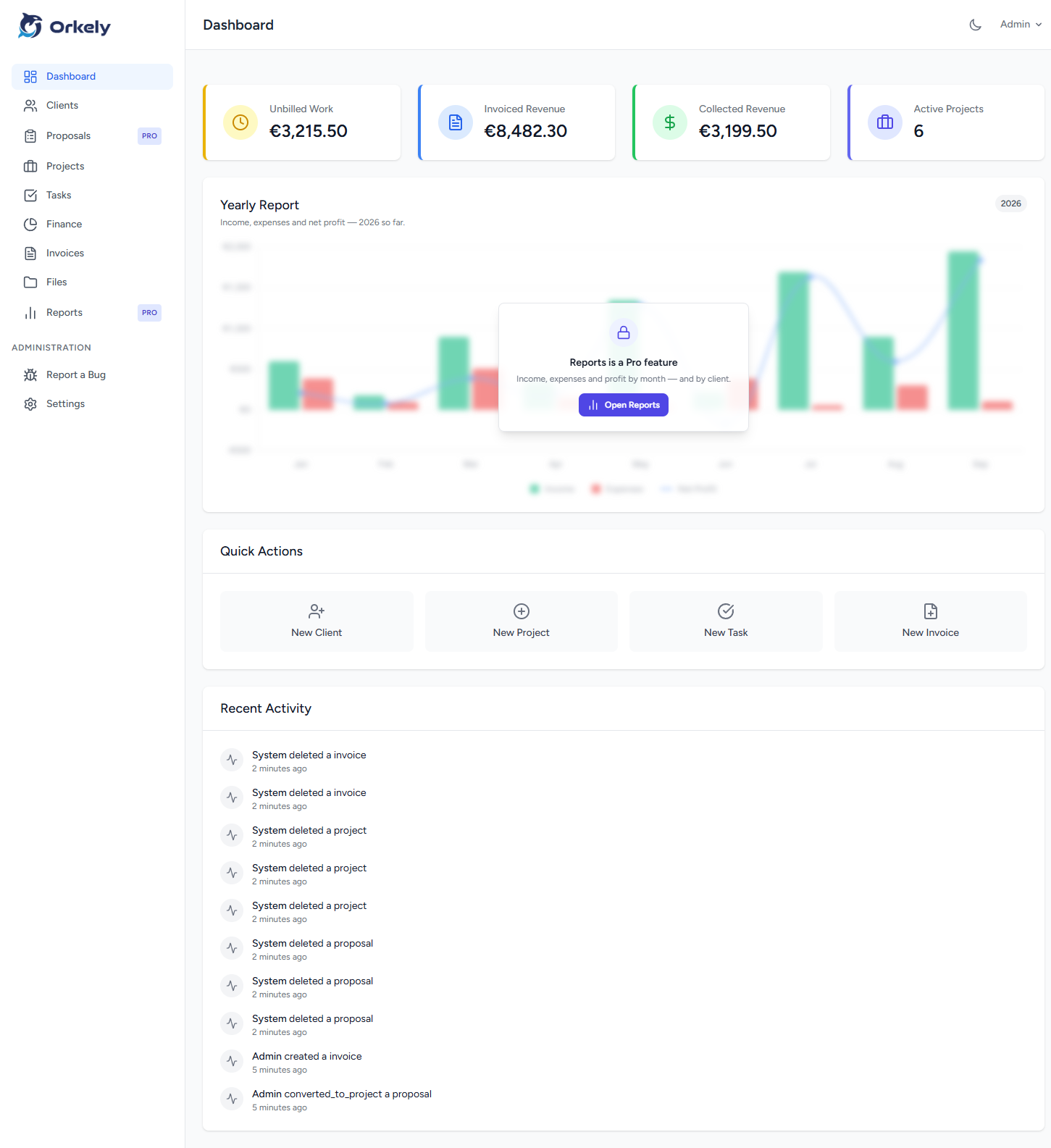
Opening Proposals or Reports in the free edition no longer turns you away — the real screen loads behind one blurred upgrade prompt, so you can look at the proposal builder and the reports before spending anything. The dashboard strikes the same balance: the four KPI cards stay fully readable, and only the Yearly Report chart is veiled.
Nothing else in Free is obscured at all: clients, projects, tasks, files, invoicing and finance are fully usable, with no limit on how many records you create.
Already using Orkely Free and want to upgrade? See how to move your data to Pro →