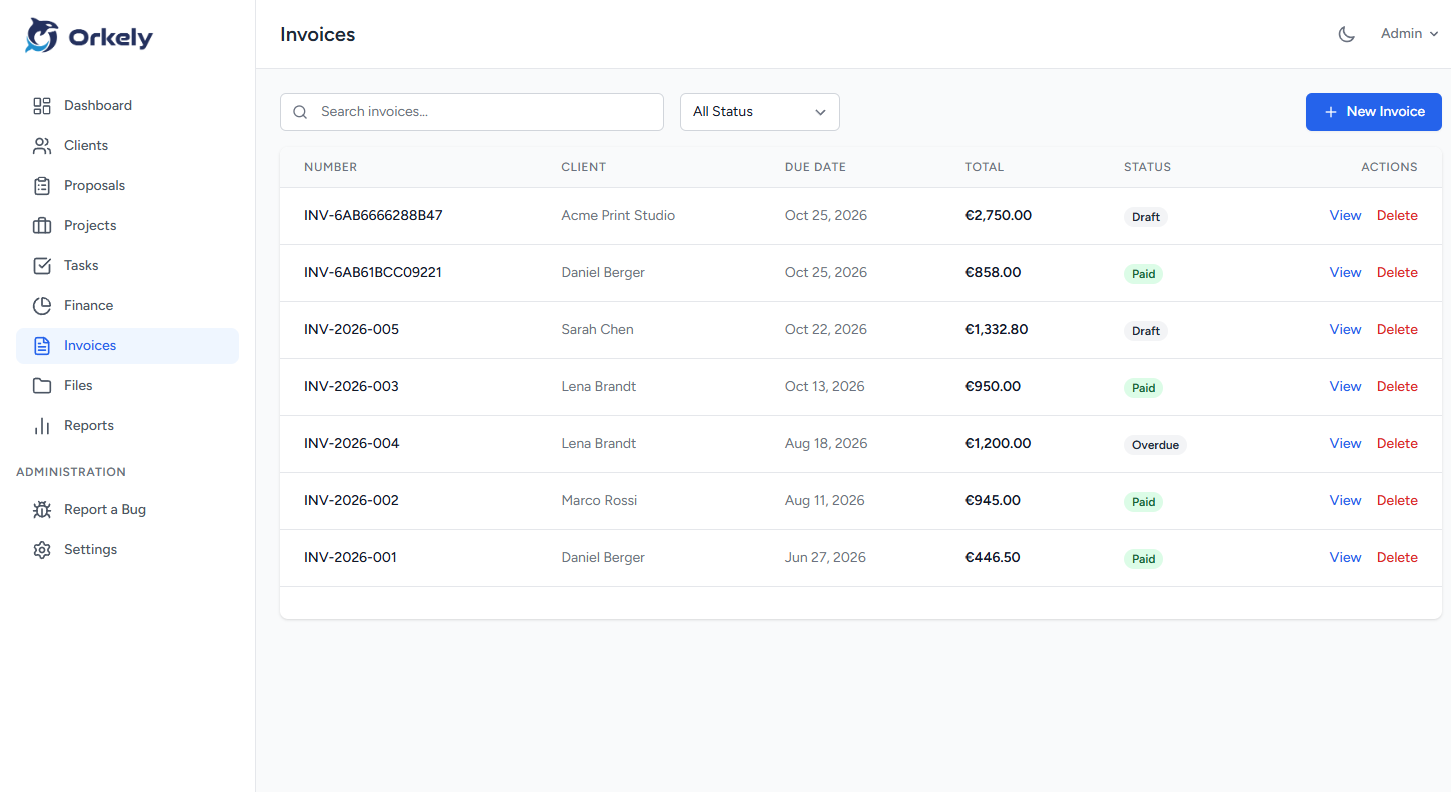
An invoice follow up workflow starts by confirming that the correct person received a correct invoice. Then it records each communication and the next action, so outstanding bills do not depend on your memory.
Keep the messages specific and professional. A useful reminder identifies the invoice, explains why you are writing and asks for a clear response. It does not assume that silence means deliberate avoidance.
Check the record before contacting the client
Review the invoice, agreed payment arrangement, delivery date and any response already received. Check your payment account as well: you do not want to chase a transfer that arrived under an unfamiliar reference.
Make sure the email went to the correct billing contact. If the client uses an approval portal or needs a purchase order, confirm that the invoice was submitted through that route.
Resolve an incorrect amount or missing detail before sending another reminder. Repeatedly forwarding a disputed invoice rarely explains the actual issue.
Separate delivery checks from payment reminders
Soon after sending, a delivery check asks whether the recipient has everything needed to process the bill. It should not present a newly issued invoice as overdue.
Example: “Hello Sam, could you confirm that invoice INV-042 reached the right person and includes the reference you need? I can resend the PDF if helpful.”
This is especially useful for a new client whose internal process you do not yet know. Record their answer with the job so future invoices use the right route.
Follow the agreed timing
Choose reminder dates based on the payment terms and client communications. There is no single reminder schedule suitable for every business relationship.
When a payment is overdue, a concise message can say: “Hello Sam, I am following up on invoice INV-042, due on 12 November. Could you confirm its payment status or the expected payment date? I have attached the invoice for reference.”
Use actual dates and accurate details. Before sending, check that the message matches the current record rather than an old template.
Turn replies into dated actions
If the client says payment is scheduled for Friday, record that statement and set a review action after the expected date. A reply is useful information; it is not confirmation that the invoice is paid.
A further message could read: “Thank you for the update. I have noted Friday as the expected payment date. Please let me know if your team needs anything else from me.”
Orkely's client and task tools can hold notes and follow-up actions. This is a manual workflow, not a claim that Orkely automatically sends overdue reminders.
Keep escalation separate from routine admin
If the invoice is disputed, identify the disputed item and gather the relevant agreement and delivery records. Avoid adding unagreed fees or making legal threats from a generic template. Formal collection steps require advice appropriate to your contract and location.
Should I send the same message every day?
No. Use a purposeful schedule and respond to the client's actual situation. Each message should move the matter towards a clear next step.
What should I retain?
Keep the invoice, sent date, relevant replies and next action. Avoid scattering the history across unrelated task notes.
See Orkely's help page for the client and invoice workflows, then create a repeatable follow-up routine that fits your agreements.