Electrical work has a paperwork habit that other trades avoid: more of the job happens before you pick anything up. You price it, you order it, you fit it, you test it, and somewhere after all of that comes the invoice — usually with a parts list you are trying to remember backwards.
Orkely is a local Windows app that keeps that sequence in one place. Here is how the workflow looks for an electrician, from quote to invoice. Everything below is in the free edition unless it says otherwise.
The client, then the property
Each customer gets a client record with contacts, notes, and a history of every project and invoice linked to them. For landlords and letting agents — the customers who come back most — that history is what stops you re-quoting work you have already done twice.
Notes on the client record are the right home for the odd, important detail: the key safe code the agent has to supply, the fact that the tenant works nights, the circuit that the last electrician clearly wired while nobody was looking.
A project for each job or contract
A consumer unit change, a rewire, a rental property's periodic work, a small commercial fit-out — each becomes its own project. Projects hold their own tasks, expenses, files, and invoices, and you can run several at once without their details bleeding into each other.
Files are useful for the practical evidence of a job: photos of the board before and after, a marking-up picture of the cable run before it disappeared behind plasterboard. It is the kind of thing that is worth having six months later and almost never worth hunting for in your phone.
Track the hours per task, not per day
Tasks carry time logs. Split a job into the stages it really has — first fix, second fix, testing and certification — and log hours against each as you go.
Two things this buys you. On a fixed-price job you find out early that the second fix is eating the margin, while there is still time to react. On hourly work the invoice writes itself from the tasks instead of from your memory of a Tuesday three weeks ago.
Cable, fittings, and consumables as job costs
Log materials as expenses against the project they were bought for. On a rewire that is the difference between knowing the job made money and assuming it did: the invoice total is not the profit, and the profit is not something you want to discover at the end of the tax year.
Consumables are the quiet killer — clips, glands, fire hoods, a hundred small things that never get charged on. Because they sit on the project rather than in a receipts pile, you can see what a job type actually costs you and start pricing it in.
Generate the invoice from the work
When the job is signed off, generate the invoice for that client from the project's tasks. Select the tasks you are billing and they become invoice lines; then add the materials, adjust, and remove anything that was agreed differently on site.
The invoice generates as a branded PDF with the client's details filled in, and you can email it from the app or save it and send it yourself. It stays linked to the client and to the project, which makes the awkward "which invoice was never paid" conversation a glance rather than an archaeology project.
Itemised quotes, and reports by client
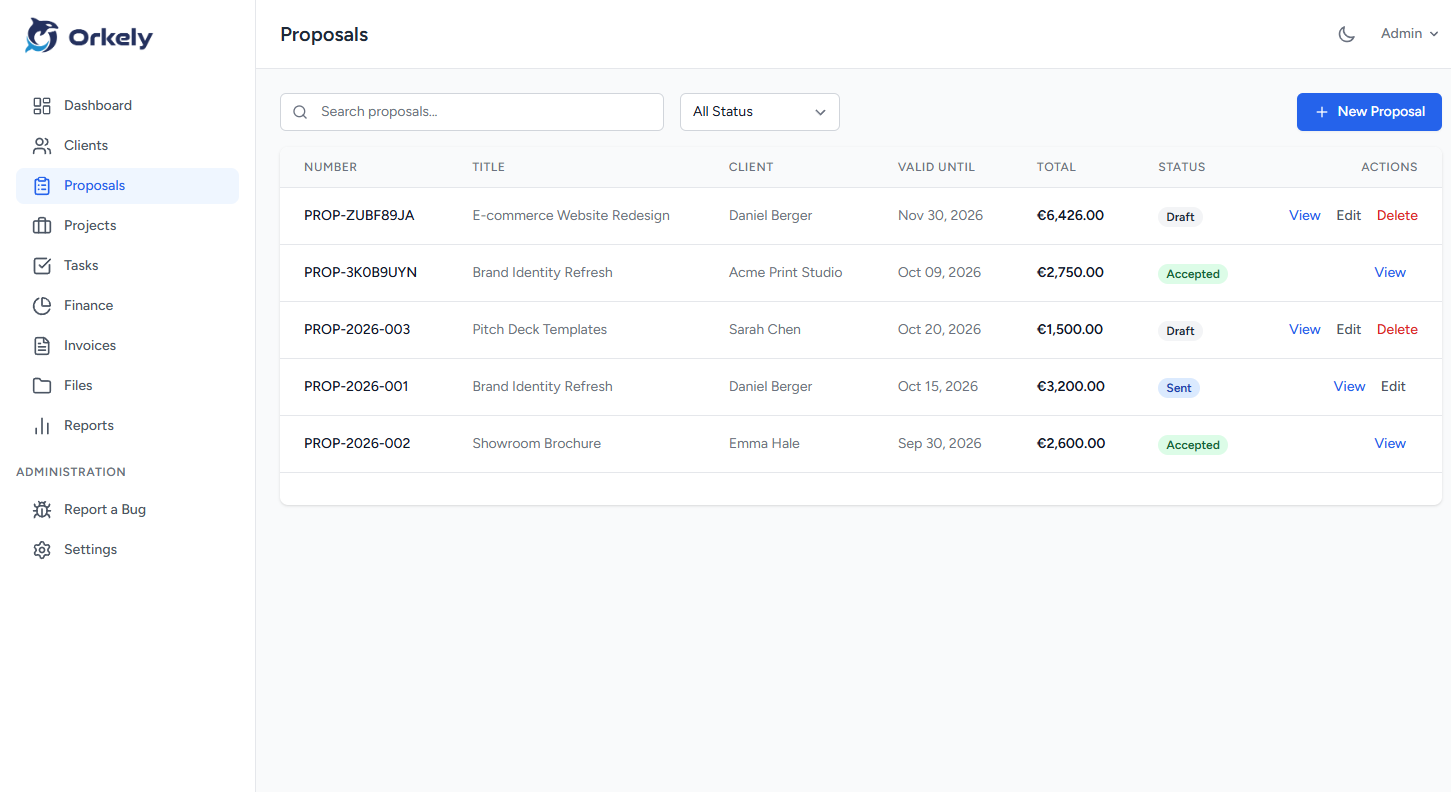
Two things in Orkely Pro suit electrical work particularly: a proposal builder for itemised quotes a customer can accept before you commit to a price, and reports, including one per client, so you can see billing history and revenue by customer rather than as a single monthly number.
Worth saying plainly: Orkely does not produce or store your test certificates and it does not schedule your jobs. It holds the customer, the work, and the money around them — the commercial record, which is what tends to be missing.