Orkely Free and the Pro add-on are not two applications. There is one Windows app, Orkely Free, and Pro is an optional one-time add-on bought inside it. That makes the decision simpler: you are not choosing a different product, moving your records or maintaining two installations.
The useful question is narrower. Do the proposal builder and reports solve a problem you actually have? This guide compares what stays free with what the add-on adds, so the purchase decision is based on your workflow rather than a fear that the free version will expire.
What Orkely Free includes
The free app covers the everyday business record: clients, projects, tasks with time logs, files and attachments, invoicing with PDF export, finance and expenses, payment methods, local backup and restore. There are no record limits and no trial period.
For a solo operator, that is already a complete loop: add the client, create the project, record the work, invoice from the finished tasks, record the payment and keep the costs with the job. You can use Orkely Free indefinitely without buying anything.
What the Pro add-on adds
- Proposals: a rich-text builder with merge fields. Send the proposal with its PDF attached or print and save it yourself, then turn an accepted proposal into a project with its line items already laid out as tasks.
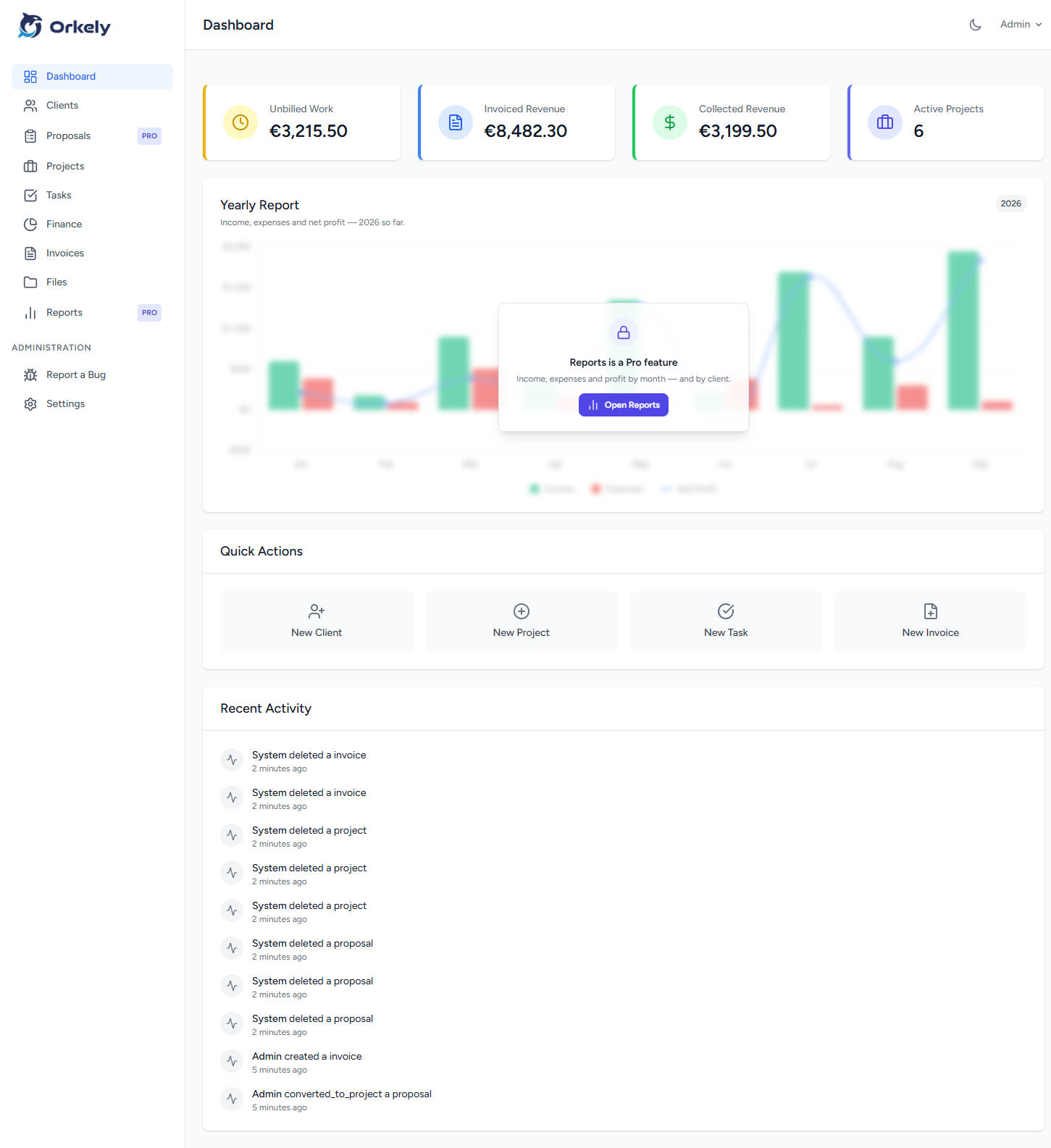
- Reports: revenue, expenses, outstanding invoices, per-client billing and trend charts, with the same views available in the exported PDF.
Both modules open in Orkely Free before you buy. The real screen loads behind a single blurred upgrade prompt, so you can inspect the fields and layout instead of buying blind.
When the add-on is worth it
The proposal builder earns its place if you regularly write priced offers and want the accepted version to become the project without retyping the scope. The reports earn their place if you need to see what was invoiced, what was actually paid, what is outstanding and which clients account for the work.
If you already have a proposal template you like and you only need a simple list of invoices, the free app may be enough. If you are rebuilding the same proposal in a word processor and guessing at client profitability from a spreadsheet, the add-on is doing real work for you.
The price and the purchase
The published price is $24.99 once, purchased through the Microsoft Store from inside Orkely Free. It is not a subscription. Open Proposals or Reports, click Get Reports & Proposals and complete the Store dialog. Check the amount shown for your account and region before confirming.
There is no separate Pro download and no migration. The add-on unlocks in the same installation you already use, with your clients, projects and invoices untouched.
Restoring it later
The purchase is tied to your Microsoft account. After a reinstall or on a new PC, sign in to the Store with the same account, open Proposals or Reports and click Check again. The same link is on Help → About. There is no licence key to enter.
If it still looks locked, check the internet connection, allow Orkely through the firewall or antivirus, update the app from the Store and confirm the account. The detailed sequence is in the Pro add-on guide.
What you are not buying
You are not buying a second app, a new edition, a cloud account or a subscription. You are unlocking two modules inside the local application you already have. If those modules are not part of your workflow yet, stay on Orkely Free and revisit the decision when they are.