A practical project file naming convention identifies the job, the item and the version without requiring you to open the file. Keep it short, apply it consistently and separate review copies from approved delivery files.
The best convention is one you can maintain during a busy job. Adding fifteen fields to every name creates more opportunities for mistakes than a small set of predictable elements.
Choose the fields you actually search for
Start with a client or project identifier, a deliverable name and a version. Add a date when it helps distinguish recurring work.
For example: harbour-menu-layout-v03.pdf identifies a specific preview. A later approved output might be harbour-menu-print-approved-2026-11-12.pdf.
Use an unambiguous date order such as year-month-day. Keep names readable and avoid characters your operating system or delivery service cannot handle. A hyphen or underscore is usually easier to maintain than decorative punctuation.
Distinguish versions from delivery status
A version number tells you the order of work. Approval tells you whether a client accepted a particular version. Do not assume the highest number is approved merely because it is newest.
Retain the feedback that relates to the version. “Please change page two in v03” is more useful than an unlabelled screenshot of a preview.
Avoid stacking words such as “final-final-fixed”. Once a new change is requested, create a new version or a clearly dated update. Keep the approved record intact so you can see what changed later.
Use a small folder structure
Separate inputs, working files, review copies and delivery outputs. A simple structure might be:
01-inputs: supplied copy, images and reference materials.02-working: editable production files.03-review: previews sent for feedback.04-delivery: checked files intended for use.
This structure is a suggested manual convention, not an automatic folder feature. Adapt it for jobs where separate media, source code or supplier documents need their own handling.
Do not move linked assets carelessly after a production tool has referenced them. Check the project's dependencies before reorganising a live folder.
Keep notes beside decisions
Filename conventions cannot explain why a change happened. Record approval, the source of feedback and any exclusions with the project.
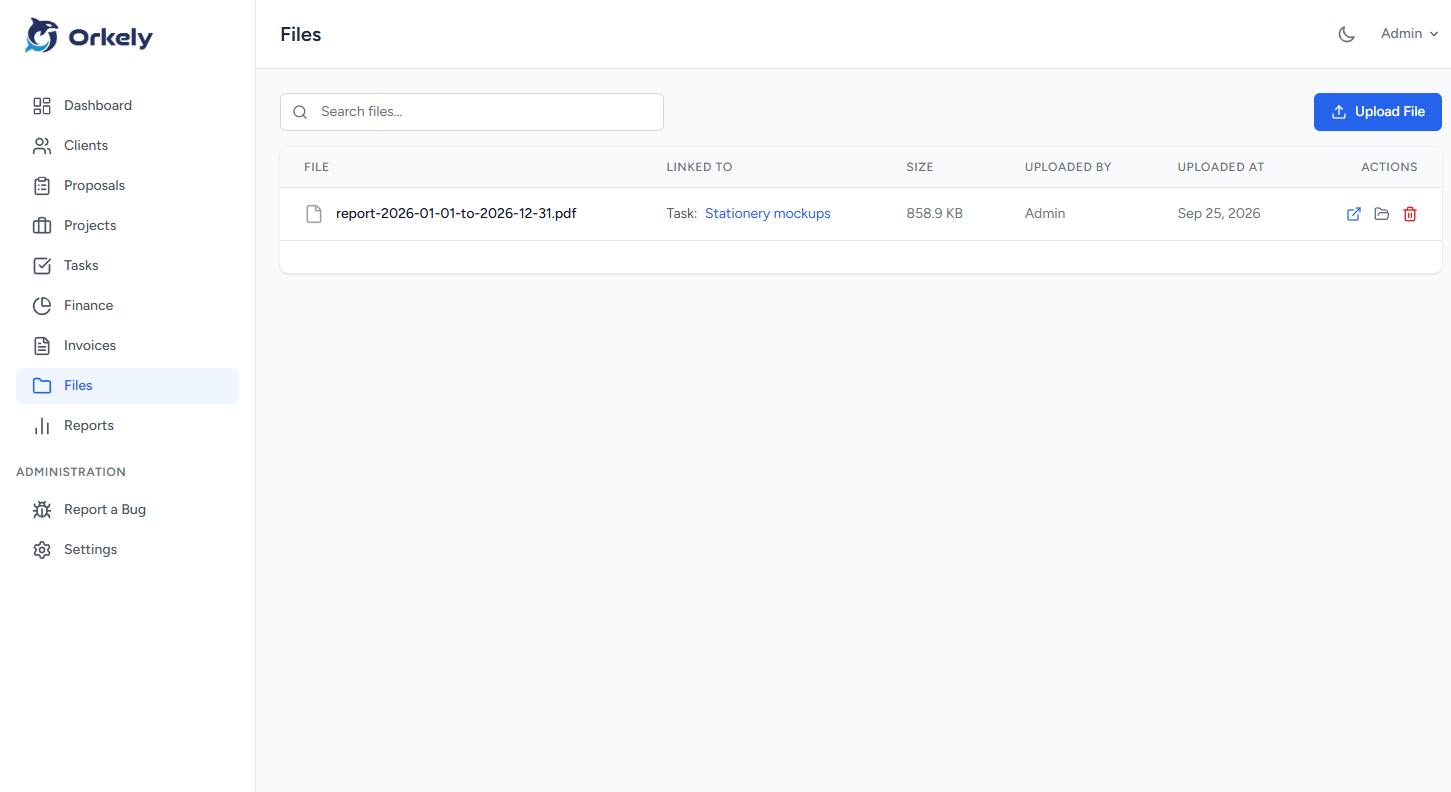
Orkely supports project and task attachments. Use an attachment for the file relevant to that action, and a note for its context. Attaching a document does not turn Orkely into an automatic version-control system.
For source code, collaborative documents or large creative projects, continue using the specialist version tools appropriate to that work. The business record should help you find the right output, not replace the production system.
Test the convention on one completed job
Ask whether you could identify the last approved version without opening every file. Then ask whether someone receiving the delivery folder would understand the outputs.
If the answer is no, simplify the names and remove ambiguity. Do not rename your entire archive before testing the convention on a small example.
Should I put client personal details in filenames?
Use only what is necessary to identify the job. Avoid sensitive information that could appear in shared links or search results.
Does a tidy folder replace a backup?
No. Organisation helps you find files; backup helps you recover them. You need both.
Explore Orkely's file workflow and choose a naming rule you can apply to the next file you create.