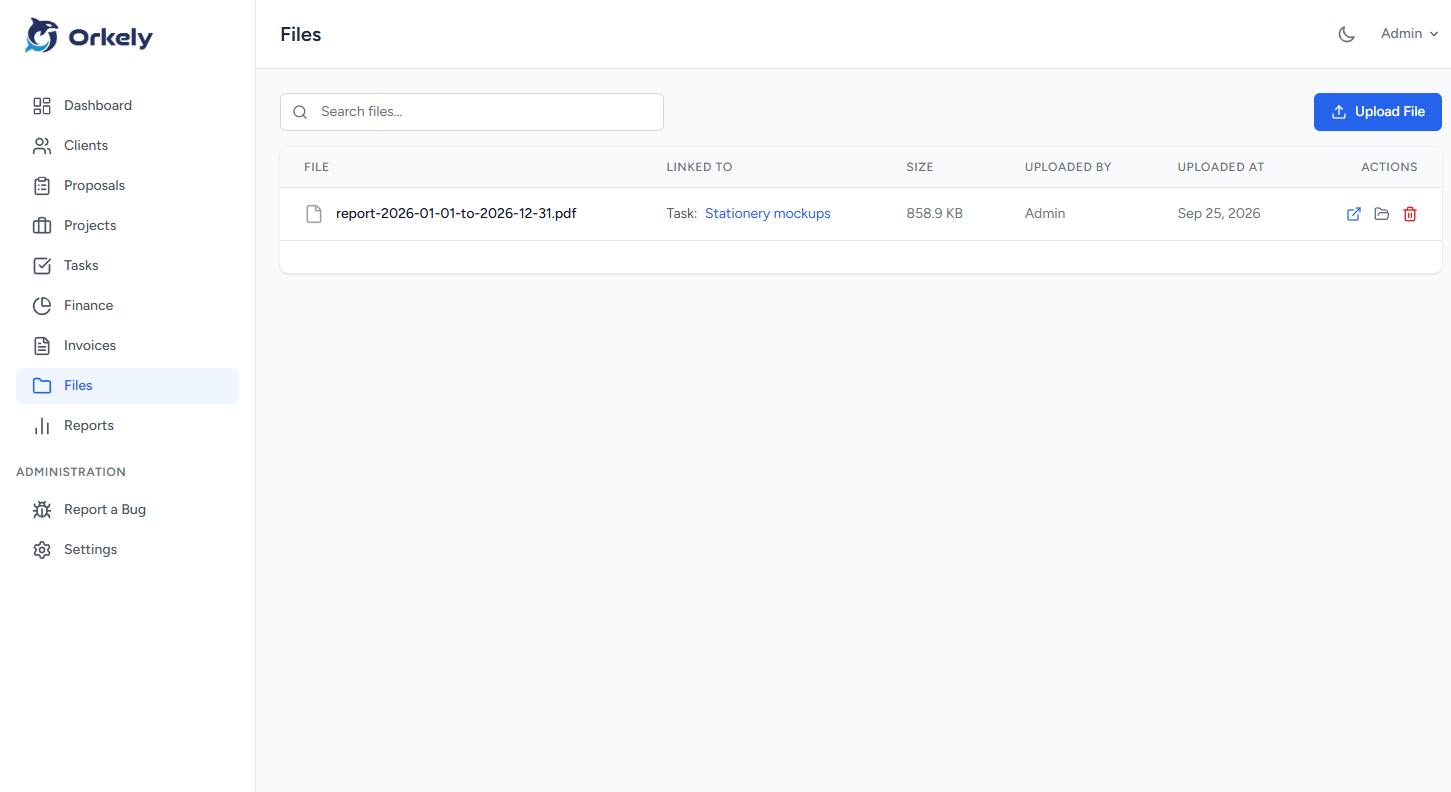
A client handover checklist confirms what you delivered, where the files are and what happens after the project ends. It turns “finished” into a documented result that the client can use without another round of clarification.
Handover is a project stage, not just an email attachment. Allow time for export checks, delivery notes and any final instructions included in the agreement.
Compare the output with the approved scope
Start with the deliverables list. Check the number of files, agreed formats, required variations and any supporting documents. Do not rely on the fact that the production task is marked complete.
For a fictional menu project, the list might include a print PDF, a web PDF and a short note about page size. Editable source files belong in the handover only if your agreement includes them.
Check the actual files you will send. A correct working file does not guarantee that the exported version is complete.
Make the delivery easy to understand
Use clear names and remove obsolete previews from the delivery folder. The client should not have to choose between “final”, “final-new” and “final-correct”.
Separate final outputs from optional reference material. Include a short delivery note explaining what each file is for and any relevant limitations. If a font, image or other asset has licence conditions, communicate the applicable information without promising rights you do not control.
Use a delivery route appropriate to the files and the client's access needs. Confirm that they can open the material before considering the handover complete.
Record approval and unresolved items
Keep the client's approval or acceptance record with the project. If something remains open, name it explicitly. A project with one approved exception is clearer than a project described as complete while a missing item remains hidden.
For example: “Final video approved; translated captions will be supplied separately after the client sends the approved text.” Include the owner and agreed timing for that separate action.
Do not treat an approval note as a substitute for the terms of your agreement. It records what happened in the workflow.
Explain the support boundary
State what support is included after delivery and how the client can request additional work. Distinguish an error correction from a new request.
If there is no ongoing maintenance arrangement, avoid a vague “contact me for anything” that can be read as unlimited future work. A friendly, specific sentence is more helpful: “If you notice a problem with the supplied exports, email me with the filename and a description.”
Use a concise handover message
“Hello Alex, the approved menu files are ready. The print PDF is for your printer; the web PDF is the smaller version for sharing online. Please confirm that both open correctly. This completes the agreed design delivery. Any new menu changes can be scoped as a separate update.”
Adapt the wording to the actual agreement and avoid including payment statements you have not verified.
Close the operational record
Review the invoice status, capture final expenses and preserve the files and approvals you need. Orkely's project and file tools can keep that material connected to the job. Back it up using a tested process before removing working copies elsewhere.
Should I delete drafts immediately?
Follow your retention policy and agreement. Do not remove the only evidence needed to explain approvals or changes.
What if the client has not replied?
Record the delivery and follow up. Do not invent acceptance because a file was sent.
See the Orkely help videos for the project workflow, then make handover a named task on your next job.