Orkely 1.0.2 is now available for both Orkely Free and Orkely Pro via the Microsoft Store. This is a bugfix update based directly on real usage: three fixes and one new project-page stat, with no changes to how your local data is stored.
What's fixed
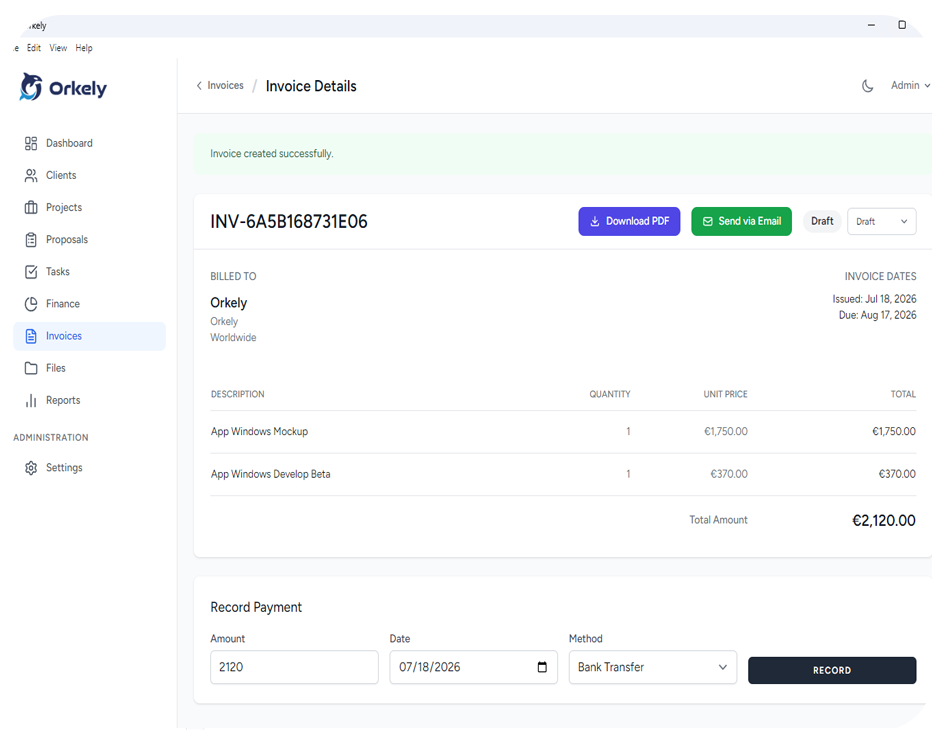
Creating an invoice directly from a project's tasks could silently fail in certain cases, with no error shown, just nothing happening. That's fixed now.
We also found and fixed an app-wide issue where some icons wouldn't render after specific interactions. And invoice PDFs, whether emailed or exported, now correctly show the client's company name and address in the Bill To section.
What's new
Project pages now show a Task Revenue card, giving you a clearer picture of what your completed, billable work is actually worth alongside the project's budget.
Getting the update
Both editions update the same way — through the Microsoft Store. The update reaches you automatically, there's nothing to reinstall or reconfigure, and your local database is untouched. You can also check your current version anytime from inside the app.