A project brief explains the result a client needs, what you will deliver and how decisions will be made. For a freelancer, it is the working reference that connects an initial conversation to a manageable set of tasks.
Keep the brief concise enough to read before starting work. A document nobody checks will not prevent confusion. The strongest brief makes the next step obvious and gives you a basis for discussing changes.
Begin with the outcome
Describe what the work is supposed to achieve without promising a business result you cannot control. A promotional video might introduce a new lunch menu. It cannot guarantee a particular number of bookings.
Write the audience and the intended use beside that outcome. A silent video displayed inside a restaurant has different requirements from an advert viewed on a phone. The output format follows the use, rather than being chosen at the end.
Make deliverables countable
Replace broad labels with quantities and formats. Instead of “social media graphics”, specify “four square graphics and four matching vertical versions, delivered as PNG files”. Identify whether editable source files are included.
Separate original production from adaptations. Resizing an approved design is different from creating a second concept. This distinction helps the client understand the price and gives you clearer tasks.
Write the boundaries and dependencies
List relevant exclusions without making the brief defensive. If the client supplies copy and photography, say so. If printing, stock licences or ongoing posting are outside the job, record that before work begins.
Dependencies need owners and dates. “Client supplies approved menu copy by 8 November” is actionable. “Copy to follow” is not a scheduling assumption you can rely on.
Also define the approval contact. Feedback from several people should be consolidated before it reaches production, otherwise contradictory instructions can become unnecessary work.
A short project brief example
Project: Winter lunch menu launch.
Purpose: Introduce the new menu to existing local customers.
Deliverables: One 15-second landscape video and one vertical adaptation, both supplied as MP4 files.
Inputs: Client provides final prices, logo and three approved food photographs.
Review: One contact sends consolidated feedback after the first preview. Two agreed revision rounds cover changes within the approved direction.
Exclusions: Filming, new photography, advertising spend and account management.
Completion: Final files are checked against the approved brief and delivered after the agreed review process.
This example is a planning aid, not a contract template. Put commercial terms in the agreement you use for your business.
Turn the brief into working tasks
Create tasks that correspond to visible results: prepare assets, build the first version, collect feedback, make revisions and check exports. Add a separate task when a dependency needs follow-up.
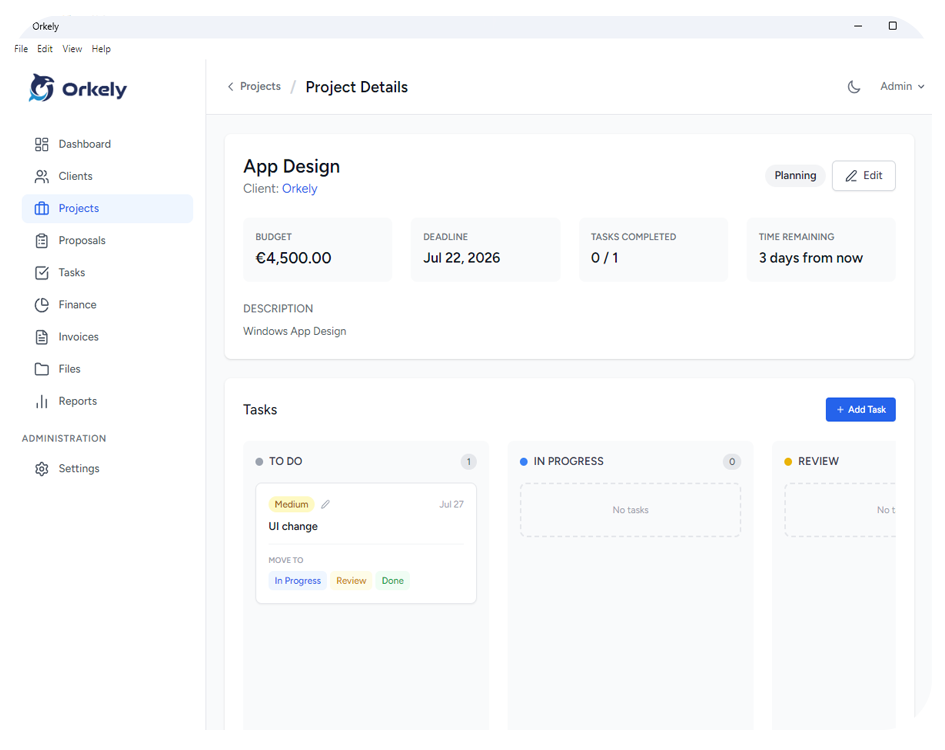
You can keep these steps in Orkely's project workspace. If you choose to use the proposal builder, it is unlocked through the optional Reports & Proposals add-on inside the same app; see current pricing.
Avoid copying every sentence into a task. The brief explains the agreement; tasks explain what you must do next.
Common questions
Is a brief the same as a proposal?
No. A proposal presents the work and commercial offer. A brief is the practical reference for delivering it. They can share information without serving the same purpose.
Can the brief change?
Yes. Record the new version, its approval and any effect on price or timing. Keep the previous agreement available so the change remains understandable.
For a demonstration of connecting a client to their work, visit the Orkely tutorial page.