Clear invoice payment instructions tell the client which method to use, which details belong to that method and what reference to include. Place them where the payer can find them without searching your email history.
The goal is accuracy and clarity, not a longer list of payment options. Offer methods you actually accept and can verify in your own records.
Start with the method
Label each option plainly: bank transfer, a payment link or another agreed method. Avoid a loose block of numbers with no explanation of what they represent.
For a bank transfer, include the account details required for that route and the account holder name. Domestic and international transfers may need different fields. Confirm the correct details with your bank or payment provider instead of assuming one country's format works everywhere.
State the invoice currency where it could be ambiguous. A currency symbol alone may be unclear when you work internationally.
Make the reference easy to copy
Use a recognisable invoice reference and ask the client to include it with the payment. Do not make them guess whether to use the project name, customer name or document number.
For example, a payment section might say: “Reference: use the invoice number shown at the top of this document.” This keeps the instruction consistent without manually repeating a number in several places.
If the client's purchasing process requires a separate reference, preserve it as well. Their purchase order and your invoice number serve different purposes.
Check payment links before sending
Open the link you plan to include and confirm its destination, recipient and intended purpose. A copied link may point to an old transaction or the wrong account.
Use the full trusted address in the PDF when practical, with a clickable link if your document supports it. Avoid URL shorteners that make the destination harder for the client to inspect.
A payment link printed on an invoice does not mean your invoicing application operates the payment service. The transaction and any provider fees remain subject to the arrangement with that service.
Keep the payment section concise
A useful layout separates the amount and due date from the mechanics of payment. The client should be able to answer:
- What amount and currency should I pay?
- Which method am I using?
- What account or link receives it?
- What reference should accompany it?
- Who should I contact if something looks wrong?
Legal invoice requirements and the appropriate commercial terms vary. Use this list to review readability, then check the requirements that apply to your business separately.
Configure and inspect the output
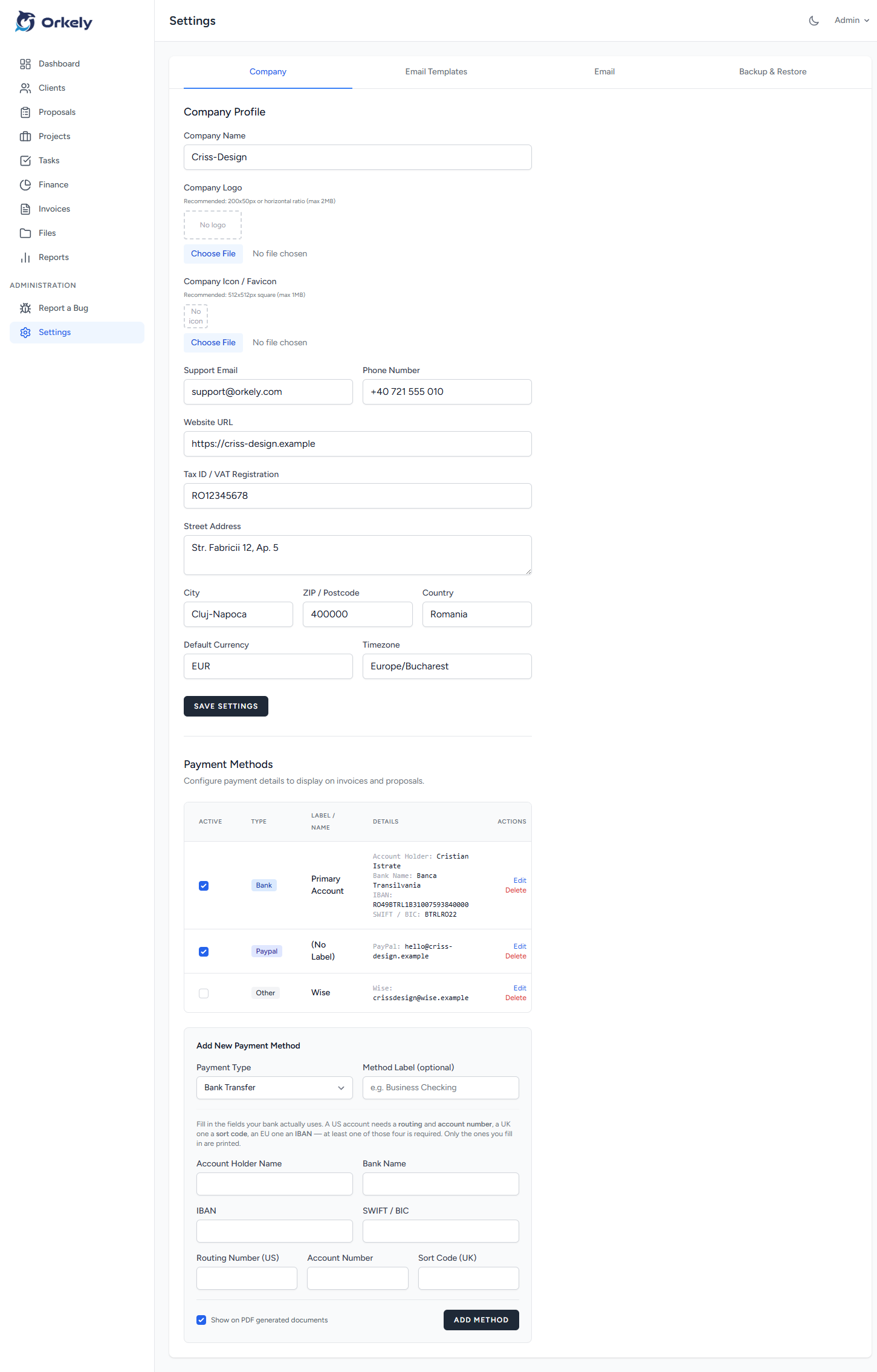
Orkely supports configurable invoice payment details. Use the payment-method tutorial to see the workflow, then inspect an exported sample PDF with fictional information before using your production details.
Whenever account information changes, check future invoices and any saved templates. Notify existing clients through a trusted communication route, especially if an invoice is already outstanding.
Should I offer several methods?
Only when you can manage them clearly. Two well-labelled options are easier to follow than an unstructured list of possibilities.
Can clear instructions guarantee prompt payment?
No. They reduce ambiguity, but they do not control the client's approval process or available funds.
Before sending your next bill, ask someone unfamiliar with your template to read only the payment section and explain what they would do.