Photography is two businesses wearing one coat. There is the shoot — which is the part you trained for — and there is everything around it: the enquiry, the package you quoted, the day itself, the editing that takes longer than the day itself, the travel, the second shooter you paid, and the invoice that goes out three weeks later than it should.
Orkely is a local Windows app that holds that second business in one place, so the first one can carry on. Here is how the workflow looks. Everything below is in the free edition unless it says otherwise.
The client, then the commission
Start with a client record: contacts, notes, and a history of every project and invoice linked to them. For wedding and family work that history compounds, because the couple who booked you in 2023 come back for the christening in 2025 — and for corporate clients it is the fastest way to answer "what did we shoot for them last year, and what did it cost".
Package the job as a proposal
Photography enquiries are usually a conversation about three options, and most photographers are still sending that conversation as an email. Orkely Pro includes a proposal builder: an itemised document with the package, the deliverables, the day rate, the travel, and what is excluded, generated as a clean PDF.
The value is not elegance. It is that "the full gallery plus a second shooter plus travel" stops being an ambiguous paragraph and becomes a price a client can accept — after which, when the job is booked, the proposal converts across to the invoice rather than being retyped.
One project per shoot or commission
A wedding is a project. A product shoot for a retainer client is a project — or one per month, if you shoot for them regularly. Each project holds its own tasks, expenses, files, and invoices.
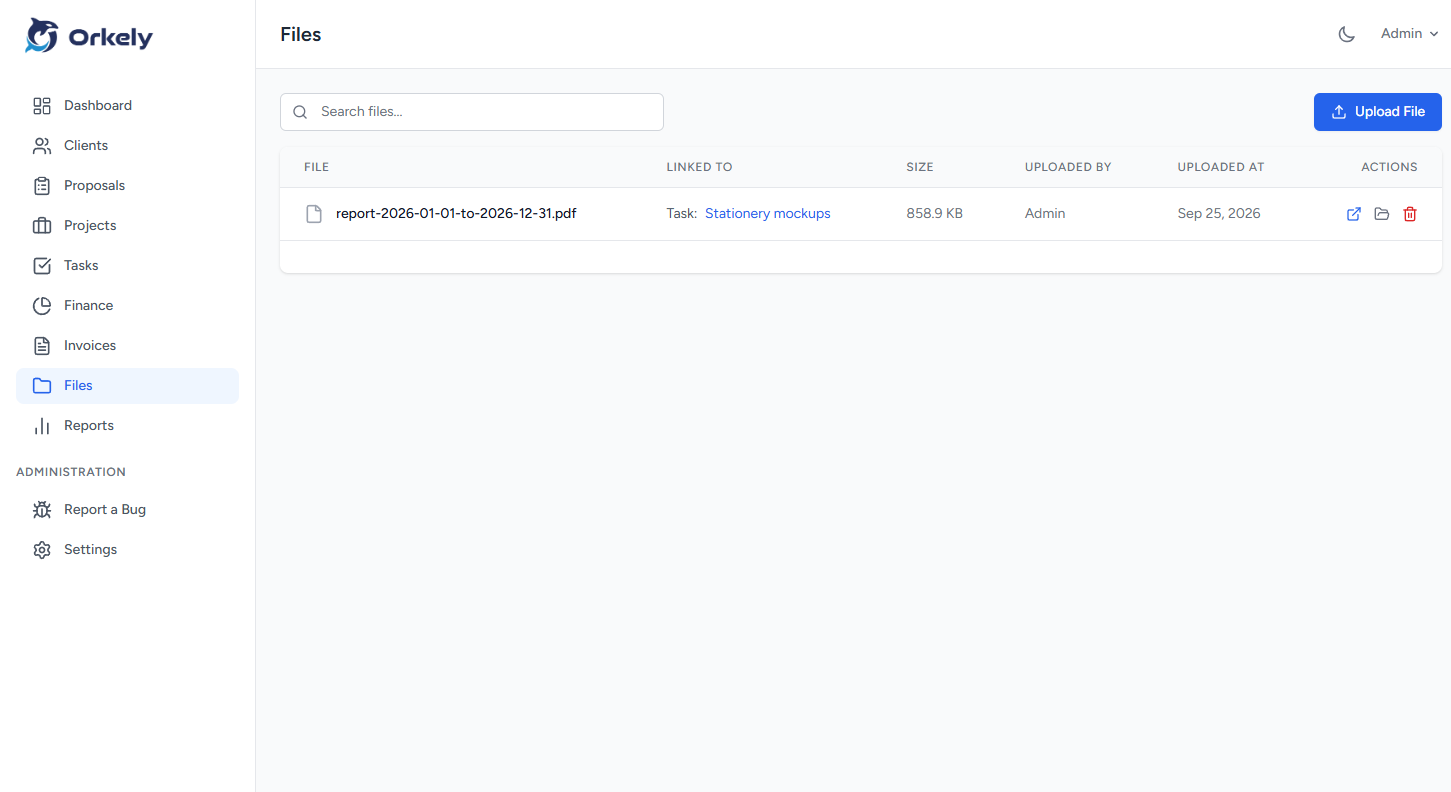
Files are for the practical material: the shot list, the contract, the shot of the venue's parking arrangements. Keep in mind what Orkely is not: it is not a photo management tool, and it is not where your RAWs live. It is the commercial record of the commission.
Hours: the shoot, and the edit nobody charges for
Tasks carry time logs, and this is the single most useful habit in the whole app for a photographer. Log the shoot day, then log the edit as its own task.
Almost every photographer who does this discovers the same thing: the editing is where the margin went. Once you have real numbers for a wedding's culling-and-editing hours, pricing the packages in your proposals becomes a calculation instead of an act of faith. Kanban and list views show every commission in flight, which matters when three galleries are pending at once.
Travel, gear hire, and the second shooter
Log the costs against the project: mileage, accommodation, the lens you rented for the weekend, the studio hire, the fee you paid a second shooter. Letting those sit outside the project means judging each job by its invoice rather than its profit — and the two are very different on a destination shoot.
Invoice from the finished work
When the gallery is delivered, generate the invoice for that client from the project's tasks — the shoot day, the edit, any extras — and they become invoice lines. Add the travel and materials, remove the discount you agreed, then send it: Orkely produces a branded PDF with the client's details in the billing section, which you can email from the app or send yourself.
It stays linked to the client and the project, so the deposit you took in March and the balance you invoiced in July are visible together rather than as two unrelated entries.
Reports by client
Orkely Pro also adds reports, including one per client, which is how you find out which work is actually worth taking. Almost every photographer has a type of job they say yes to out of habit and no to after doing the maths — the client report is what makes that visible.