Landscaping and gardening work arrives in waves. Three months of the year you are turning work away, and the rest of the year you are quoting jobs that will not start for weeks — while the materials, the skip hire, and the plant orders are already going out.
That seasonal shape is exactly what a local record like Orkely is good at, because it keeps each job's hours and costs together while you are busy, and does not forget them when you are not. Everything below is in the free edition except where noted.
Each property is a client
Start with the client record: the address, the owner or the managing agent, and notes. For garden work, notes earn their keep — the gate that only opens inwards, where the water is, which beds were planted last autumn, and who is responsible for the green waste.
Every project and invoice links back to that client, so a maintenance contract and the one-off rebuild you did two years ago are visible in the same place.
One project per job, or one per season
A garden build is a project. A regular maintenance contract is a project. A spring clear-up can be either — whichever matches how you invoice it. Each project holds its own tasks, expenses, files, and invoices.
Files are worth using for the transformation record: the "before" photo of the lawn, the design you sketched, the photo of the finished planting. On this kind of work your previous projects are your best marketing, and only if you can still find them.
Track hours across several sites at once
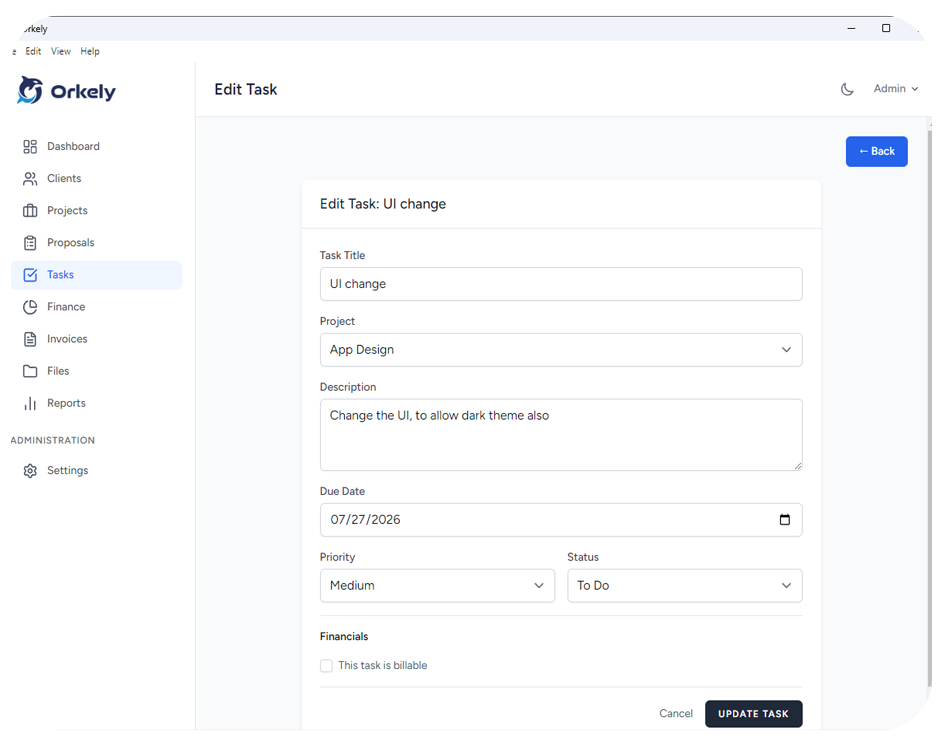
Tasks carry time logs. Split a build into its real stages — clearance, groundworks, hard landscaping, planting — and log the hours against each. On a seasonal contract, tasks per site let you see what each garden actually absorbs per visit.
This is where landscaping quotes stop being guesswork. The difference between a profitable garden and a memorable disaster is usually a hidden day of groundworks and two extra trips for materials, and neither of them shows up unless you record them.
Plants, soil, skips, and tool hire
Log costs against the project they belong to: the plants, the topsoil, the hardcore, the skip, the hire of a mini-digger, the delivery charges that always seem to be extra. Material-heavy work is where a job that looked healthy on the invoice quietly made nothing.
Doing this per project also means next spring you can price a similar garden by looking at what the last one genuinely cost rather than what you wish it had cost.
Invoice from the finished work
When the job or the month's visits are done, generate the invoice for the client from the project's tasks — select what you are billing and they become invoice lines, then add the materials and adjust for anything that changed on site.
It produces a branded PDF with the client's company name and address in the billing section, ready to email from the app or save and send yourself. The invoice stays linked to both the client and the project, which is what makes the winter — the season of chasing unpaid summer invoices — much less unpleasant.
Client reports and proposals
Orkely Pro adds a proposal builder, which suits garden design work particularly well since the customer wants to see the scope and the price before committing, and reports, including one per client. Proposals convert across to invoices when the job is won. Worth stating plainly: Orkely will not schedule your rounds or manage a crew of subcontractors — it keeps the client, the work, and the money in one local place.