Free
Client Management
Every contact, conversation and job in one record, with instant local search across all of it.
Orkely is a local-first desktop app for freelancers and small businesses — clients, projects, invoicing, and more, stored entirely on your own computer. No cloud dashboard, no monthly fees, no data lock-in.
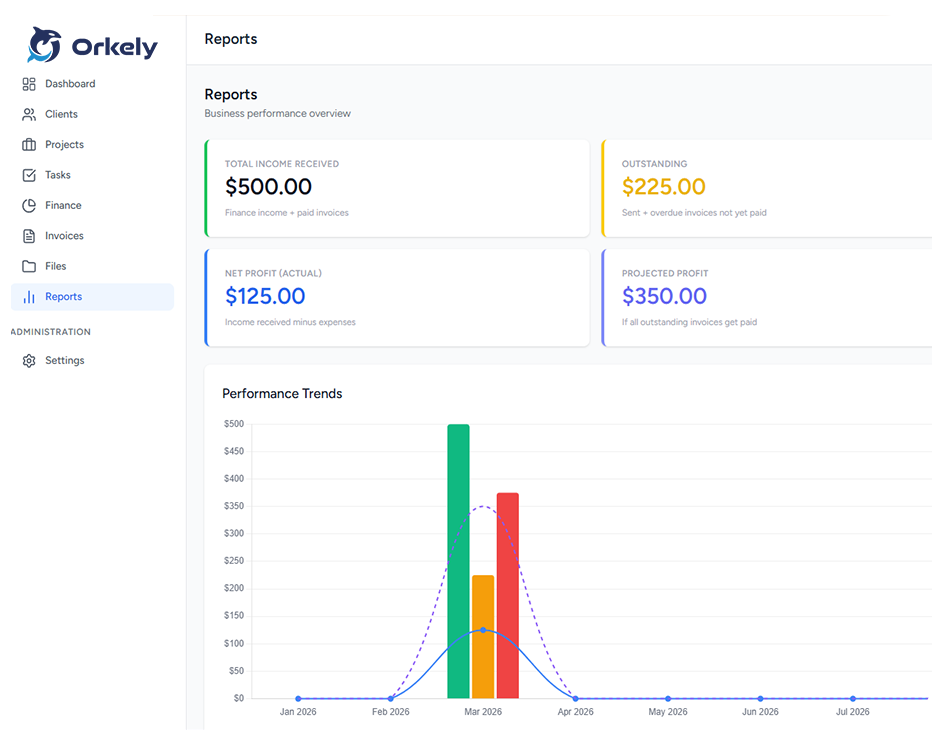
Orkely 1.0.3 is out — task attachments, payment methods that fit any country, and trend charts.
Read the release notes →Everything you need
No subscriptions to eight different tools, no data scattered across platforms. Orkely runs entirely on your machine and covers the full loop from first client contact to getting paid. Everything below is in the free edition except the two marked Pro.
Every contact, conversation and job in one record, with instant local search across all of it.
One project per job, with milestones, status tracking and every file attached to the work it belongs to.
Kanban boards and list views, priorities and deadlines, with hours logged against each task and files attached to the step they belong to.
Invoice lines generated from the tasks you finished, branded PDFs built on your own PC, and payment details that fit any country.
Log income and expenses as they happen, correct any entry later, and watch the monthly and yearly trend without opening a spreadsheet.
Receipts, photos and documents kept with the project or the task they belong to — plus local backup and restore whenever you want it.
Quote the job before you start it with a rich-text builder, then turn the accepted proposal into a project with its tasks already laid out.
Revenue, activity and billing broken down per client, built from your own local data.
How it works
Every step feeds the next one, so nothing gets typed twice and nothing gets forgotten.
Contact details, notes, and a running history of every job, quote and invoice linked to them.
One project per job, holding its own tasks, files, hours and costs. Run as many at once as you like.
Kanban or list view, priorities and deadlines, with time logged and files attached to the step they belong to.
Parts, materials and receipts logged against the job they belong to, each openable straight from its own folder — not lost in a shoebox.
Pick the tasks you are billing and they become invoice lines on a branded PDF, generated locally, with the payment method you actually use.
Income and expenses add themselves up as you go; reports break revenue down per client.
Install it and you are working in under a minute — no account, no cloud setup, no internet needed.
See the full workflow, screenshots and latest release notesClient, proposal, sent, accepted, converted to a project, invoiced — recorded from the real app in one take, no narration.
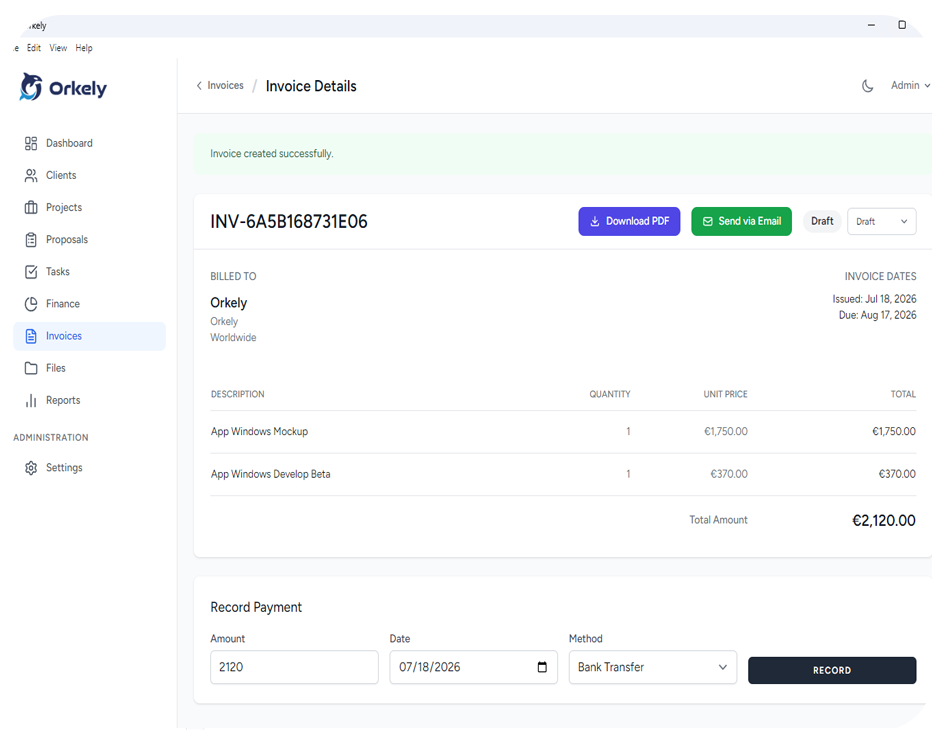
Lines come from the tasks you actually completed.
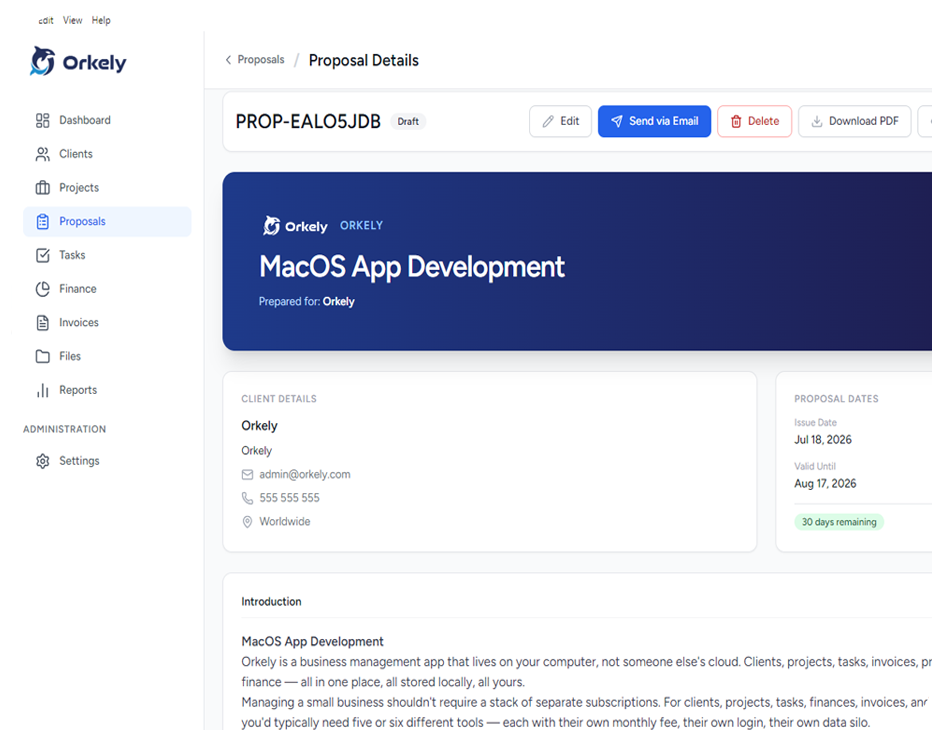
Rich text, merge fields, emailed with its PDF attached.
Simple pricing
Orkely Free covers the core of running your business, free for as long as you use it. Orkely Pro adds proposals and reports for a single one-time payment — never a subscription.
Perfect for solo operators to run daily local operations.
No credit card or online account required. Runs fully offline.
Everything in Free, plus proposals and reports.
Already on Orkely Free? See how to move your data to Pro →
From the blog
Read the thinking behind the product, the real cost tradeoffs, and the setup guides that help buyers move with confidence.
Orkely 1.0.3 is live for both editions: attach files to individual tasks, configure payment methods that fit any country, see a yearly income and expense trend on the dashboard and in report PDFs, and email proposals with their PDF attached again.
Read article
Orkely 1.0.2 is live for Orkely Free and Orkely Pro: invoices created from project tasks no longer fail silently, icons render reliably, invoice PDFs show the full client details, and project pages add a Task Revenue card.
Read article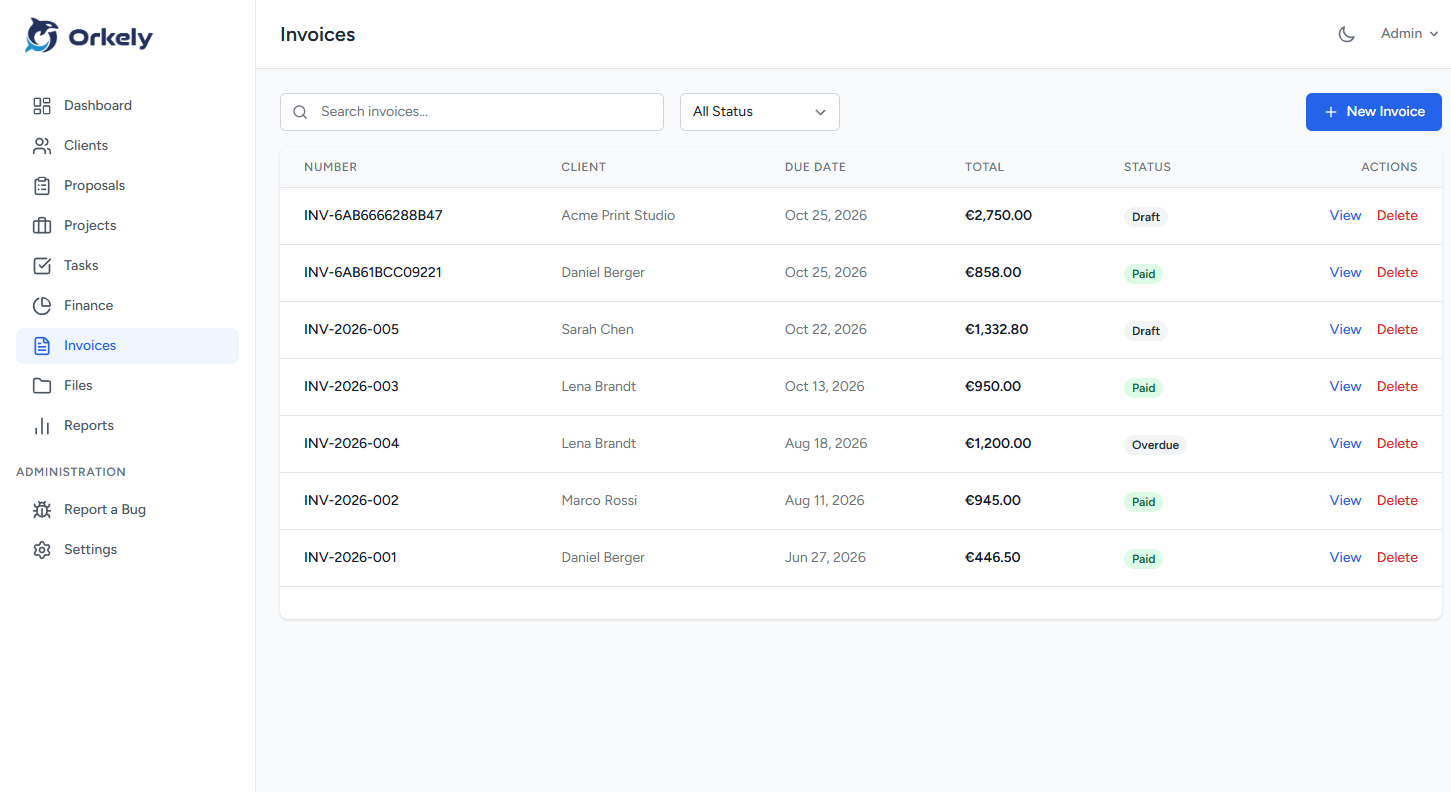
A practical walkthrough for plumbers: one client per customer, one project per job, hours and parts recorded as you go, and an invoice generated from the finished work.
Read articleDownload Orkely for Windows. No account, no cloud, no credit card.
Download Orkely Free